

Designed for Gmail
Track email progress and replies, inside Gmail.
Track how quickly your team responds to customer emails. Measure first response and resolution times, spot bottlenecks, and see where teammates need support—all while your team keeps working in Gmail.
- Assign every email to one owner, inside Gmail
- Nothing new to learn: one browser extension, no new inbox
- Set up in two minutes with Google sign-in


Rated 4.5 /5 on G2
14 days free. No credit card required. Works with the Gmail you already use.
2,000+ companies run their shared inbox in Gmail with Keeping





“We've been able to cut our customer response time down to mere minutes for the vast majority of requests. Vacation and illness coverage has been nearly completely solved.”
“How long are our customers waiting?”
Your team is answering emails all day. But how quickly are customers getting a first reply? Which requests take longest to resolve? And who needs help keeping up?
Keeping gives you the response-time data to answer those questions.
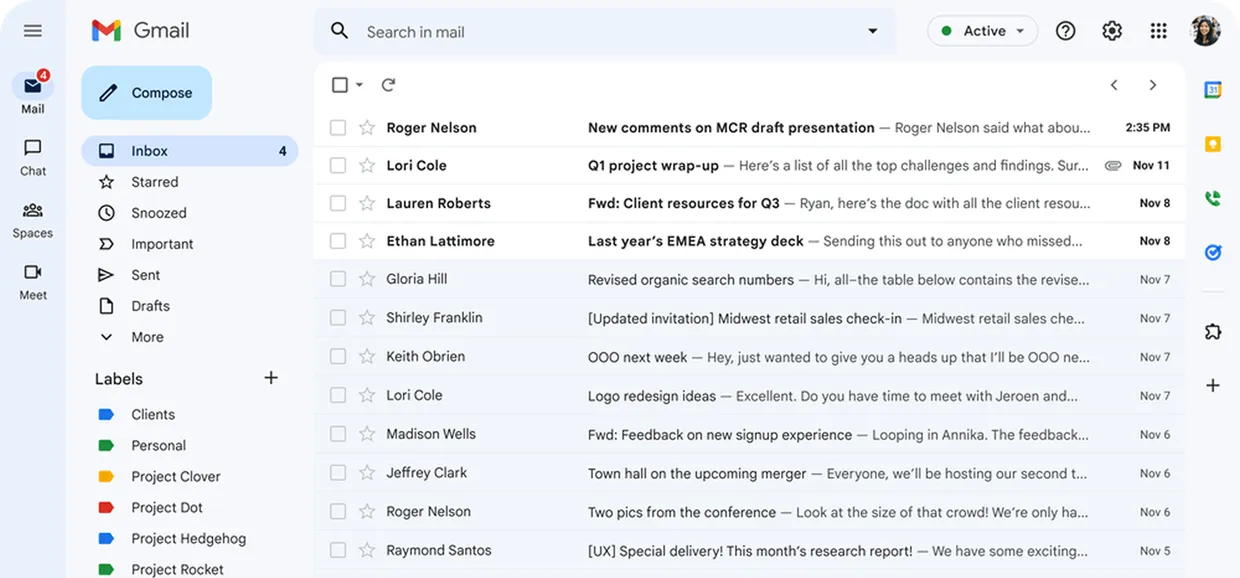
I already answered that inquiry, please have a look :)

Who is working on this? The customer is waiting on a reply.

Oh sorry, I didn’t see that ticket!

See the delays. Help your team move faster.
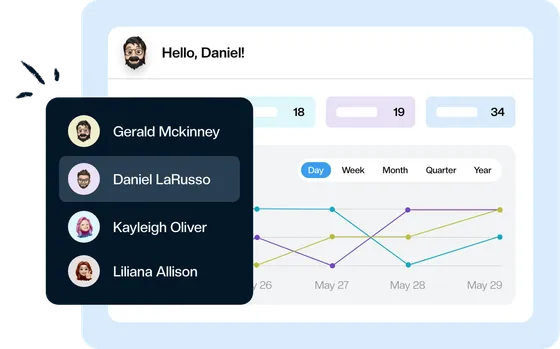
1. See how quickly your team responds.
Track first response time, resolution time, and incoming email volume. See how your team’s performance changes over time.
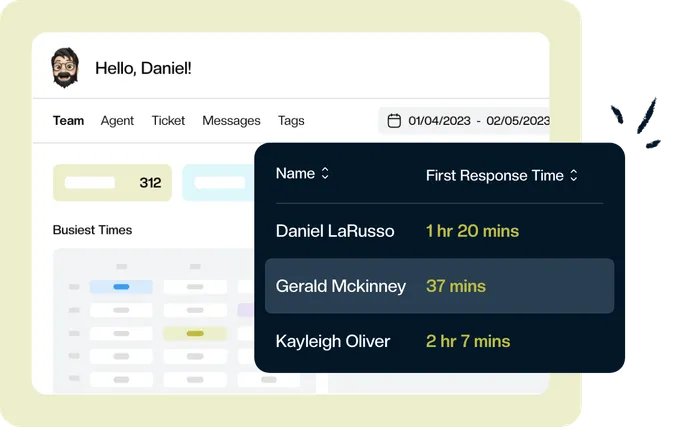
2. Find where replies slow down.
Review performance by teammate, mailbox, and tag. Identify which requests take longer and where your team needs more support.
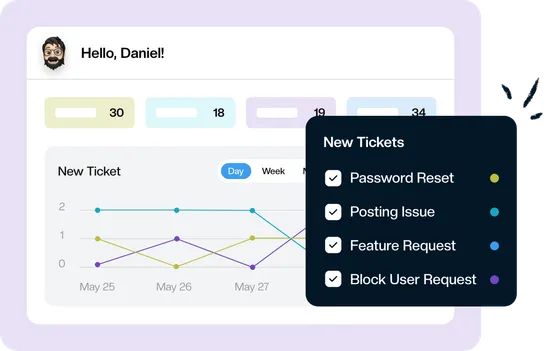
3. Help your team keep email moving.
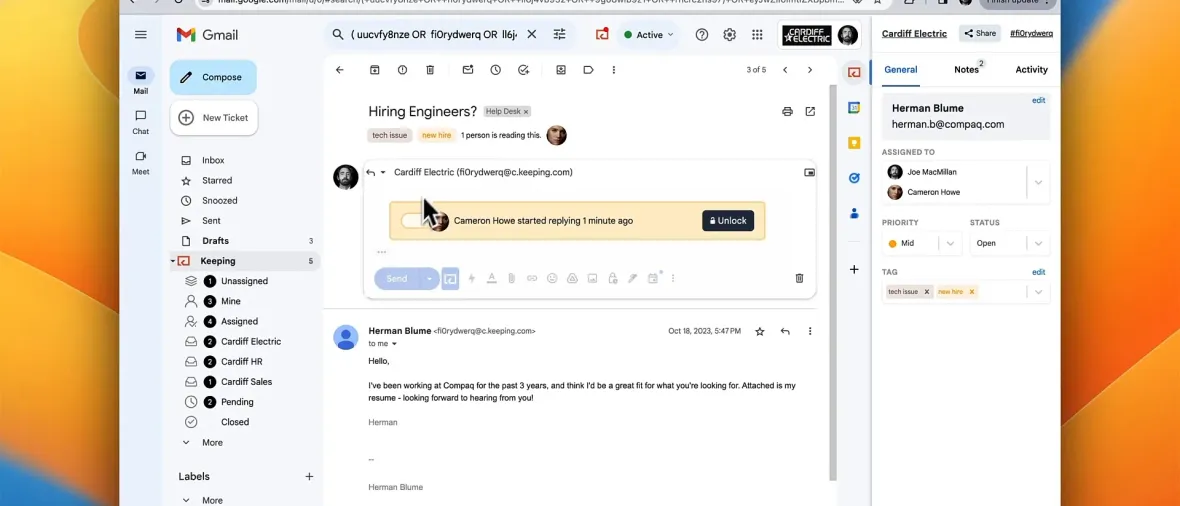
Give each conversation an owner, set its priority, and keep its status clear. Use what you learn to improve how your team handles incoming email.
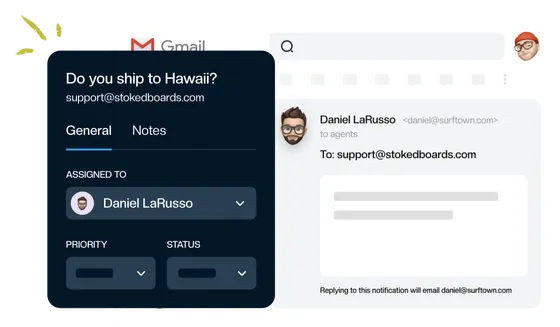
“Keeping seamlessly integrates with Gmail, so we don't have to work with another tool. It allows everyone to see responses from the team.”
Turn response-time insights into action.
Advanced: $24 per user per month.
Comparable plans elsewhere run $24 to $55 per user. Nothing to migrate: your email is already in Gmail.
Get advanced reporting and Service Level Agreements (SLAs) to measure your team’s performance and set clear response targets.
Rated 4.5 /5 on G2
14 days free. No credit card required. Works with the Gmail you already use.
Better visibility for you. Familiar Gmail for your team.
Your teammates handle shared email from their own Gmail accounts. You review response times and team performance in Keeping’s reporting dashboard.
Connect an address like support@ or info@. Your customers keep sending email to the same address and receive ordinary email replies from your team.
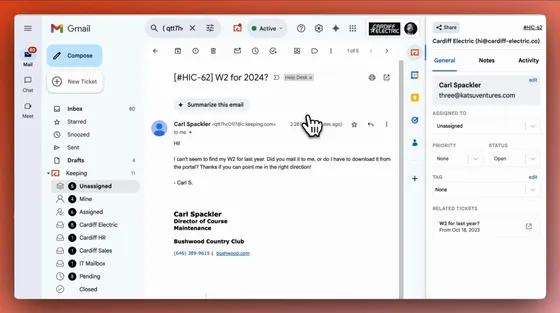
Give your team more ways to respond faster.
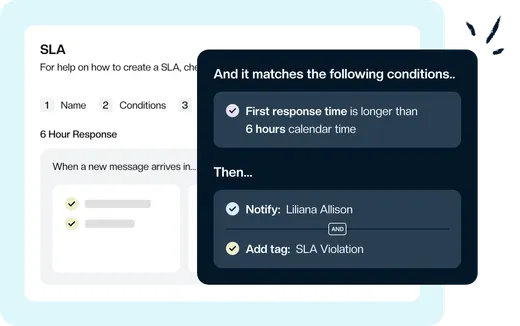
Set a clear standard for timely replies.
Use Service Level Agreements (SLAs) to set response and resolution targets for your team. Available on Advanced and HIPAA.
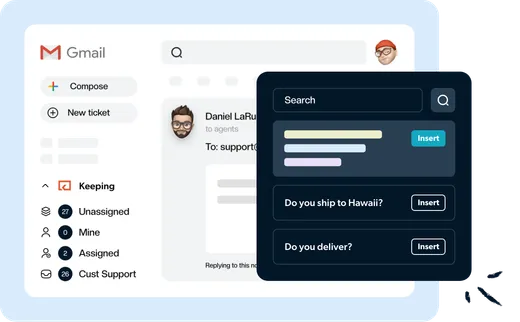
Give recurring questions a faster answer.
Save your team’s best answers as shared templates. Insert a reply, tailor it to the customer, and send it from Gmail.
Get incoming email to the right teammate.
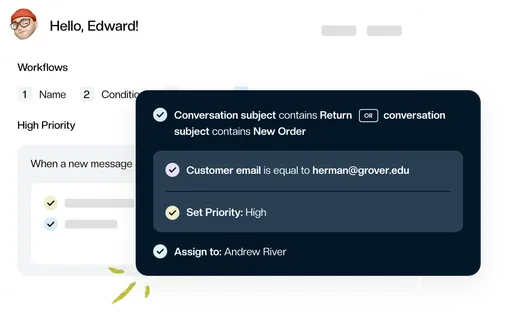
Use workflows to assign incoming emails, add tags, or set priorities. Give your team a head start on handling each request.
Watch how Keeping works
Frequently asked questions
Which email response metrics can we track?
Track first response time, resolution time, and incoming email volume for the shared mailboxes you connect to Keeping. Review the data to understand how quickly your team responds and where requests take longer to resolve.
Can we see response times for individual teammates?
Yes. Agent performance reports show metrics for individual teammates, including email volume, response time, and resolution time. Use them to see who needs support and how the workload is shared.
Does our team need to leave Gmail?
Your teammates can keep handling shared email in Gmail, with Keeping’s assignment, internal notes, and status controls. Managers review performance in Keeping’s reporting dashboard.
Which plans include reporting and SLAs?
Essentials includes standard reporting. Advanced adds advanced reporting, CSV exports, and Service Level Agreements (SLAs). HIPAA includes those features too. See the full comparison on our pricing plans.
What does Keeping cost after the trial?
Advanced, with advanced reporting and SLAs, starts at $24 per user per month with annual billing. Month-to-month billing is also available. Compare our pricing plans.
“The single best and most impactful purchase I have made for our company, and it didn't break the bank. The ticket management has saved us so much time and money and increased our customer satisfaction score immensely.”
Know where replies slow down. Help your team respond faster.
Start monitoring your shared inbox’s response times with Keeping.
Rated 4.5 /5 on G2
14 days free. No credit card required. Works with the Gmail you already use.