
Designed for
Email workflow management, right inside Gmail.
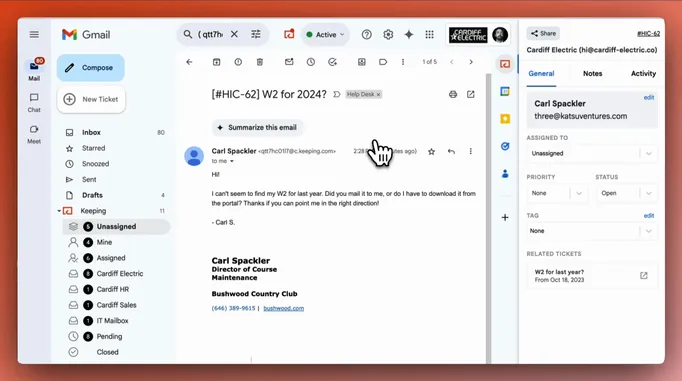
Give the emails your team receives a clear workflow. Keeping routes each message to the right person, tracks it from open to closed, and automates the routine steps, all from the Gmail accounts your team already uses.


Rated 4.5 /5 on G2
14 days free. No credit card required.
“Who’s supposed to pick this up?”
Every team has a process for incoming email. Too often it lives in one person’s head.
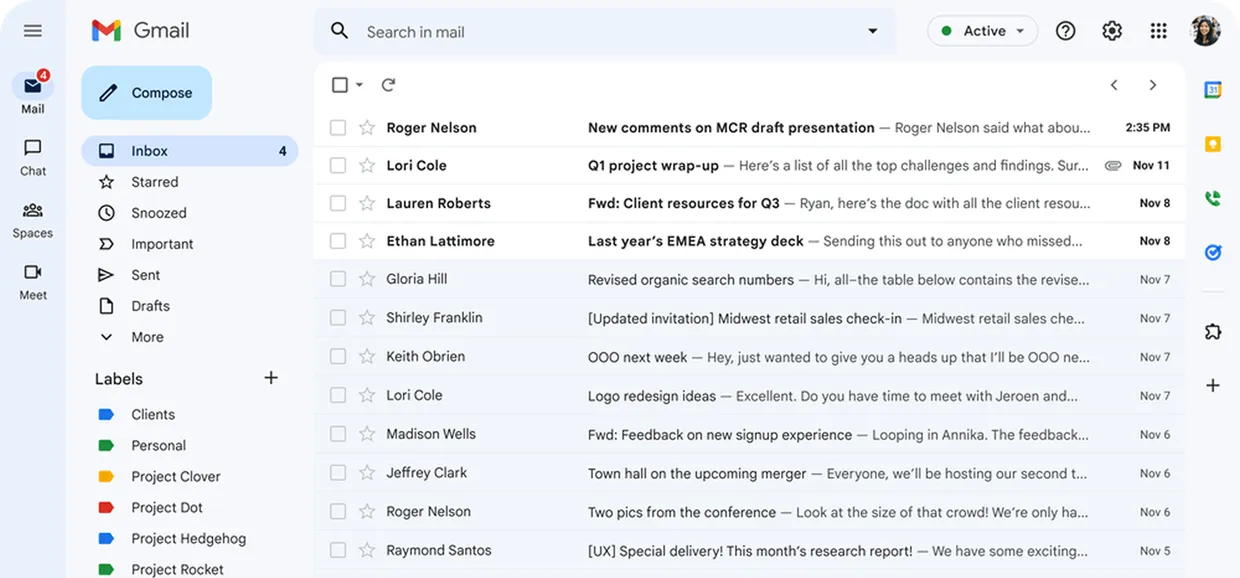
Someone sorts the inbox by hand each morning. Requests get forwarded, starred, and flagged in ways only one teammate understands. When that teammate is out, the process goes with them.
I already answered that inquiry, please have a look :)

Who is working on this? The customer is waiting on a reply.

Oh sorry, I didn’t see that ticket!

One workflow for every incoming email.
1. Route it automatically.
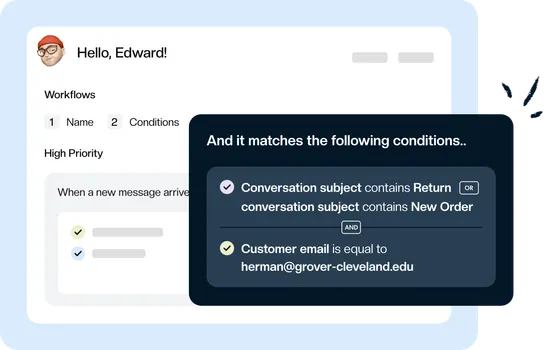
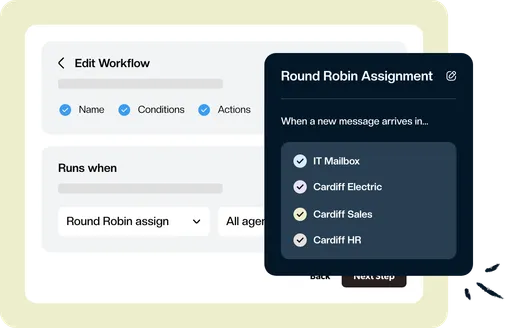
An email arrives at your shared address. Workflow rules read the sender, subject, or content, then assign it, tag it, and set its priority before anyone opens it. Round robin assignment spreads new emails evenly across the team.
2. Work it together, right inside Gmail.
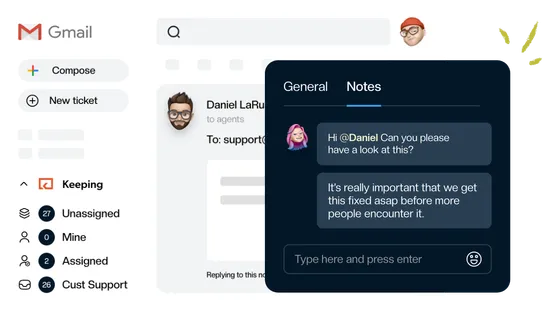
Leave internal notes, see when a teammate is responding, and reply from your shared address.
3. Move it to done.
Mark conversations Open, Pending, or Closed so everyone can see what still needs attention. Keeping AI spots a “thank you” reply and closes the conversation for you.
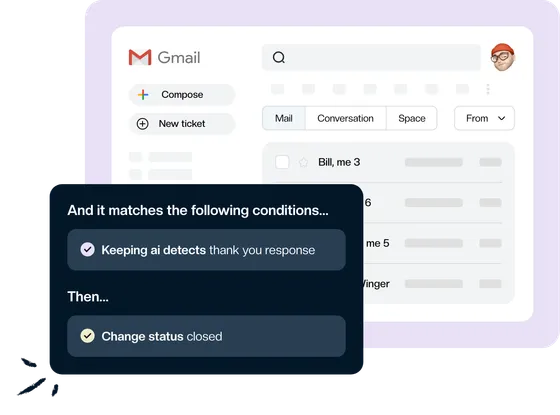
Your workflow. The Gmail your team already knows.
Keeping runs your email workflow inside each teammate’s own Gmail account. There’s no separate help desk to learn and no new tab to keep open. Emails sent to support@ or info@ arrive assigned, tagged, and ready to work.
Your customers receive ordinary email replies from your shared address.
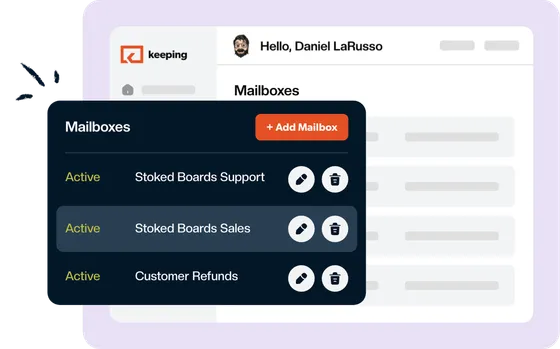
More ways to keep your workflow moving.
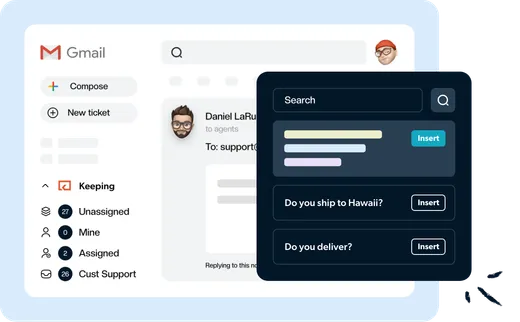
The same great answer, whoever replies.
Give your team a shared set of replies for the questions you answer most. Insert a template, tailor it to the customer, and send it from Gmail.
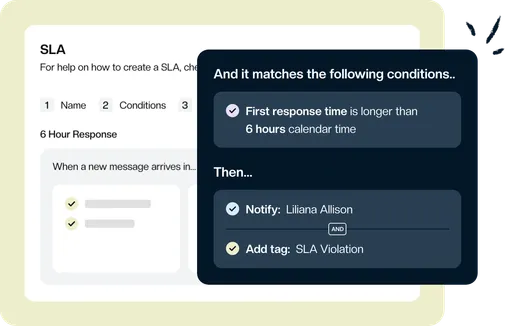
Set the pace for every reply.
Set team-wide targets for first response and resolution time. When a conversation runs late, Keeping notifies the right teammate and tags it so nothing waits unnoticed.
Share the load. Let AI help.
Round robin assignment balances the workload without anyone playing dispatcher. Keeping’s MCP server connects your shared inbox to AI assistants like Claude and ChatGPT, so you can find conversations, draft replies, and check team performance without copying emails between tools.
See where your workflow slows down.
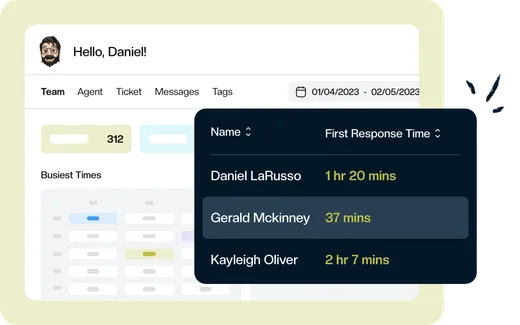
Track incoming email volume, first response time, and resolution time. See how performance changes across teammates, tags, and mailboxes so you can spot bottlenecks and share the workload.
“We've been able to cut our customer response time down to mere minutes for the vast majority of requests. Vacation and illness coverage has been nearly completely solved.”
Bring a clear workflow to team email.
Starting at $14 per user/month.
Route incoming emails, track every conversation, and automate the routine steps—all inside Gmail.
Rated 4.5 /5 on G2
14 days free. No credit card required.
Frequently asked questions
What can an email workflow automate?
A workflow runs when a new message arrives and matches your conditions, such as the sender, the subject, or the content. It can assign the conversation, add tags, set its priority, or change its status, including closing emails that don’t need a reply.
How many workflows can we create?
Essentials includes two workflows. Advanced includes unlimited workflows.
Can we keep our existing shared email address?
Yes. Connect the shared address your team already uses, such as support@ or info@. Customers can keep emailing the same address.
Is Keeping an email marketing tool?
No. Keeping manages the emails your team receives at shared addresses like support@ or info@. It doesn’t send newsletters, drip campaigns, or bulk email.
What does Keeping cost after the trial?
Essentials starts at $14 per user per month with annual billing. Month-to-month billing is also available - explore our pricing plans.
“The single best and most impactful purchase I have made for our company, and it didn't break the bank. The ticket management has saved us so much time and money and increased our customer satisfaction score immensely.”
A clear path for every email. Starting with your next one.
Give your team a simpler way to route, track, and finish shared email, right inside Gmail.
Rated 4.5 /5 on G2
14 days free. No credit card required.