

Designed for Gmail
Make Gmail work better for your team.
Assign customer emails, leave internal notes, and track what needs a reply—all inside Gmail. Keeping helps your team handle emails sent to support@ or info@ from the Gmail accounts they already use.
- Assign every email to one owner, inside Gmail
- Nothing new to learn: one browser extension, no new inbox
- Set up in two minutes with Google sign-in


Rated 4.5 /5 on G2
14 days free. No credit card required. Works with the Gmail you already use.
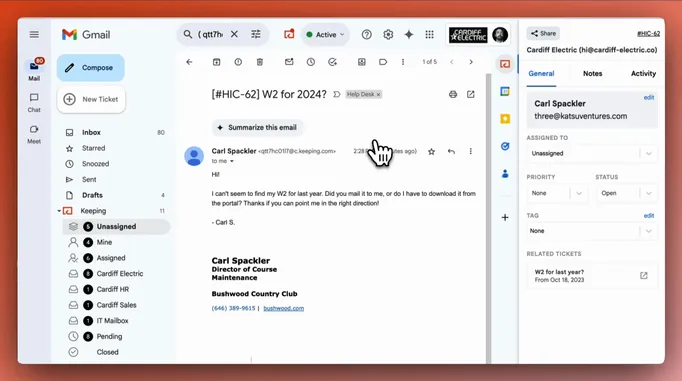
2,000+ companies run their shared inbox in Gmail with Keeping





“We've been able to cut our customer response time down to mere minutes for the vast majority of requests. Vacation and illness coverage has been nearly completely solved.”
When email becomes teamwork, forwarding only gets you so far.
A customer email needs a teammate’s input. You forward it, send a separate message, and check back to see whether anyone replied.
Keeping puts ownership, internal discussions, and conversation status alongside the email in Gmail.
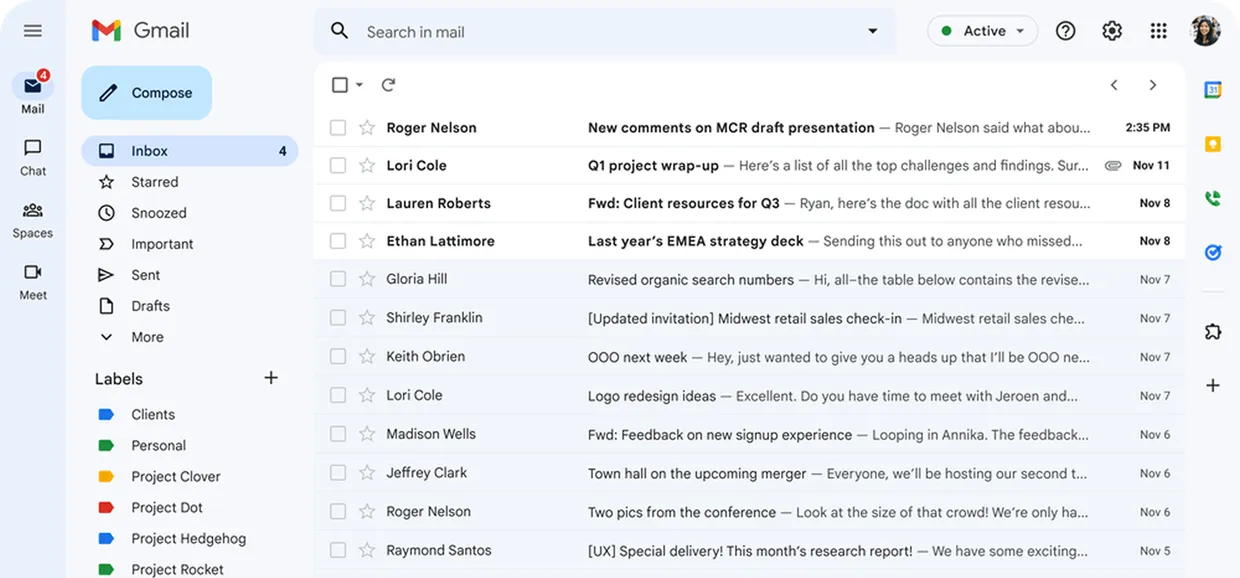
I already answered that inquiry, please have a look :)

Who is working on this? The customer is waiting on a reply.

Oh sorry, I didn’t see that ticket!

The teamwork features your Gmail inbox needs.
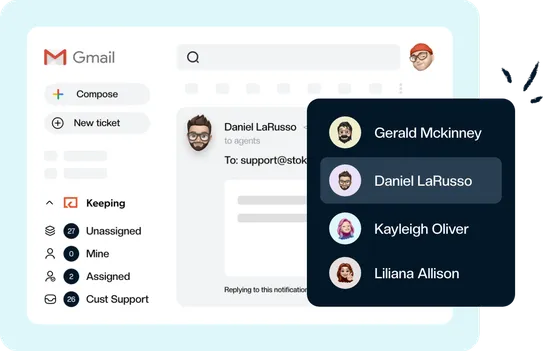
Assign emails to the right person.
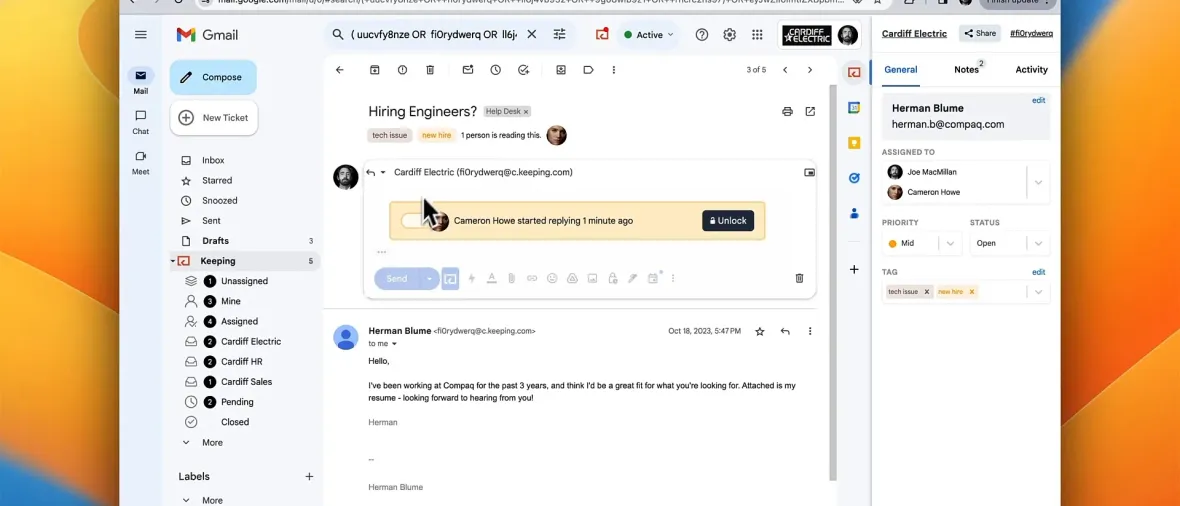
Give each customer conversation an owner so everyone knows who’s responsible for the reply.
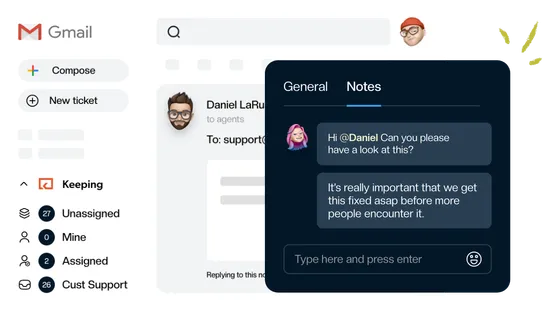
Discuss the reply beside the email.
Leave internal notes for teammates and see when someone is responding, right inside Gmail.
See what still needs attention.
Mark conversations Open, Pending, or Closed so your team can keep track of unfinished work.
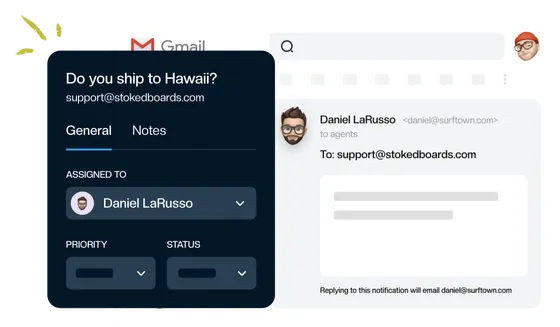
Keep working in the Gmail you know.
Keeping brings your team’s shared email into each person’s own Gmail account. Handle customer requests alongside your everyday email, with assignment, notes, and status controls close at hand.
Customers receive ordinary replies from your shared address.
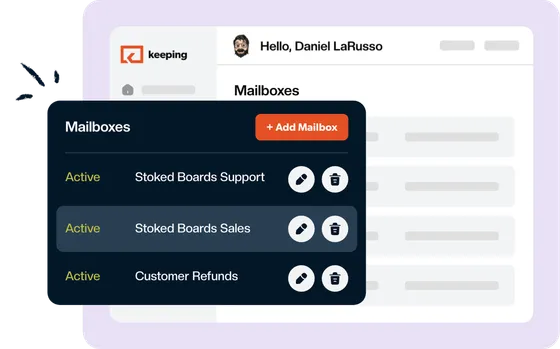
Spend less time on repetitive email work.
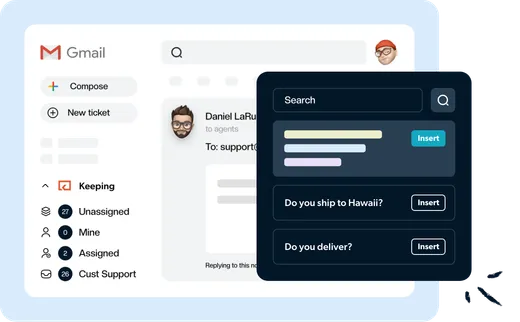
Answer common questions faster.
Save your team’s best answers as shared templates. Insert a reply, tailor it to the customer, and send it from Gmail.
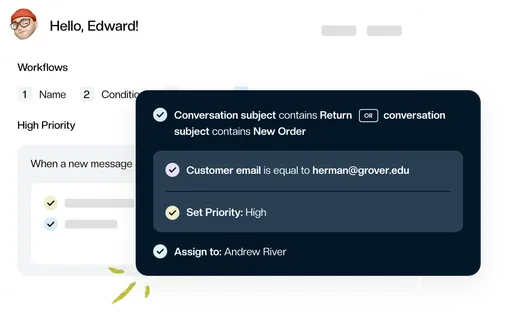
Automatically assign and organize incoming emails.
Set rules to assign emails, add tags, set priorities, or update conversation status. Let Keeping handle the routine sorting so your team can focus on the reply.
See how quickly your team responds.
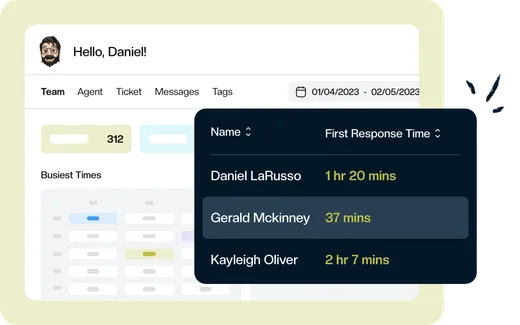
Track email volume, first response time, and resolution time. See where requests are slowing down and which teammates need a hand.
Watch how Keeping works
“Keeping seamlessly integrates with Gmail, so we don't have to work with another tool. It allows everyone to see responses from the team.”
Put Gmail to work for your whole team.
$14 per user per month.
Comparable plans elsewhere run $24 to $55 per user. Nothing to migrate: your email is already in Gmail.
Give customer emails a clear owner, keep team discussions beside the conversation, and see what needs a reply—all inside Gmail.
Rated 4.5 /5 on G2
14 days free. No credit card required. Works with the Gmail you already use.
Frequently asked questions
How does Keeping work inside Gmail?
Keeping adds shared-email assignment, internal notes, and conversation status tracking inside Gmail. Connect your team’s email address, such as support@ or info@, so teammates can handle customer emails together from their own Gmail accounts.
Does everyone use their own Gmail account?
Yes. Each teammate works from their own Gmail account, with access to your team’s shared email through Keeping. They can assign conversations, leave internal notes, and reply from your shared address.
Can we keep our existing team email address?
Yes. Connect the shared address your team already uses, such as support@ or info@. Keeping works with Google Groups and Google Workspace accounts, and customers can keep emailing the same address.
What does Keeping cost after the trial?
Essentials starts at $14 per user per month with annual billing. Month-to-month billing is also available - explore our pricing plans.
“The single best and most impactful purchase I have made for our company, and it didn't break the bank. The ticket management has saved us so much time and money and increased our customer satisfaction score immensely.”
Give your team more ways to get email handled.
Start assigning conversations, sharing notes, and tracking replies in the Gmail accounts your team already uses.
Rated 4.5 /5 on G2
14 days free. No credit card required. Works with the Gmail you already use.