
Designed for
Secure email collaboration, right inside Gmail.
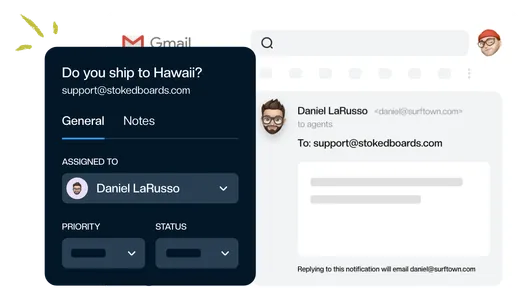
Work together on shared email without sharing passwords. Keeping lets your team assign conversations, discuss replies, and choose who has access to each mailbox—from the Gmail accounts they already use.
SOC 2 Type II compliant · Google sign-in · Mailbox access controls


Rated 4.5 /5 on G2
14 days free. No credit card required.
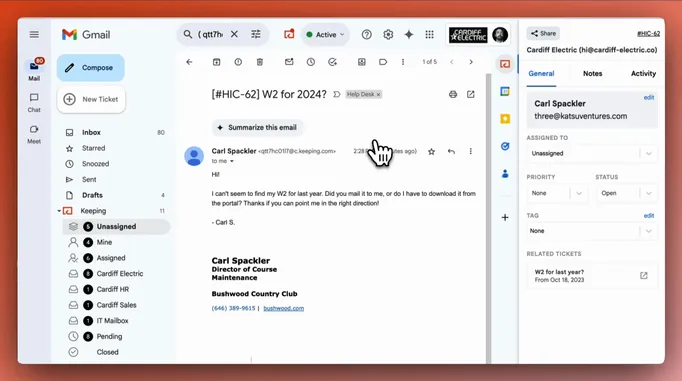
Your team needs access. Your passwords don’t need sharing.
A shared login makes it harder to manage who can use your inbox. Forwarded threads scatter the discussion.
Keeping gives teammates a way to handle shared email from their own Gmail accounts, with mailbox access you control.
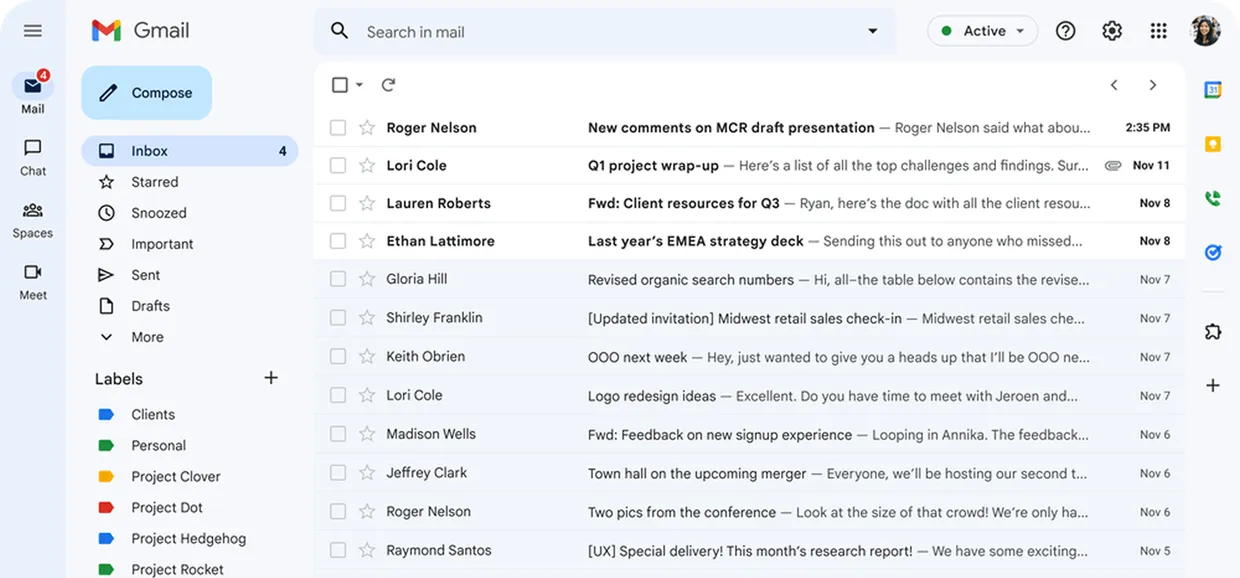
Can someone send me the inbox password?

Who else has access to these emails?

Can we discuss this without forwarding it?

From shared access to a coordinated reply.
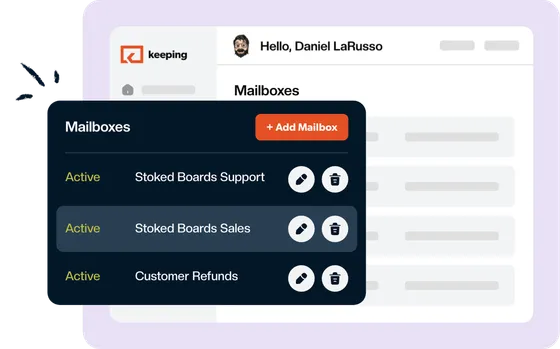
1. Choose who has access.
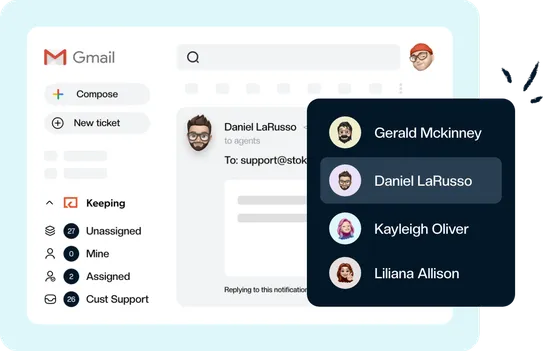
Connect your shared address and give the right teammates access to the mailbox. Each person works from their own Gmail account, with their own Google sign-in.
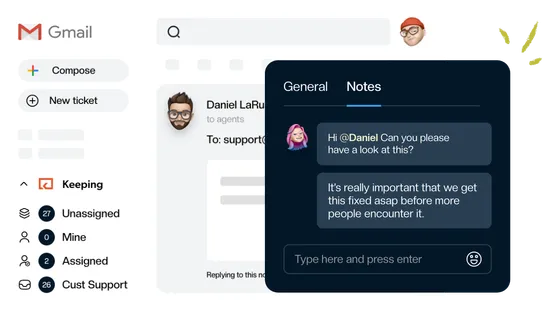
2. Discuss the reply together.
Use internal notes and @mentions to ask questions and share context alongside the conversation, without forwarding another thread.
3. Keep responsibility clear.
Assign an owner, see when someone is responding, and track what still needs attention. Your team can coordinate the next step without guessing who is handling it.
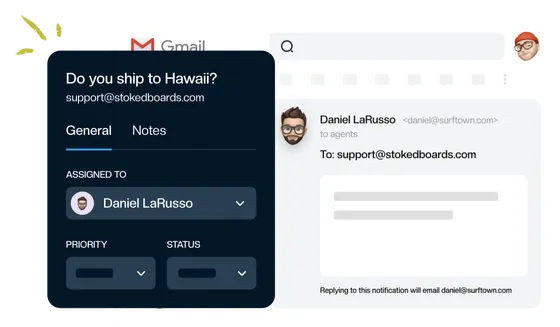
Individual accounts. One shared conversation.
Keeping brings shared email into the Gmail accounts your team already uses. Handle messages sent to support@ or info@ with assignment, internal notes, and conversation status close at hand.
Your customers receive ordinary email replies from your shared address. Your teammates each use their own login.
Know how your team’s email is protected.
Familiar Google sign-in, documented security practices, and controls for shared mailbox access.

SOC 2 Type II compliance
Keeping’s security controls are independently assessed through a SOC 2 Type II audit.
View our trust center
Google sign-in
Teammates sign in with Google. Keeping never sees or stores your Google password.
Read our security practices
Encrypted storage
Customer data is encrypted at rest and hosted on Google Cloud Platform in the United States.

Mailbox permissions
Choose which teammates have access to each shared mailbox and whether they are an admin or agent.
Give every conversation the right context.
Give access where it’s needed.
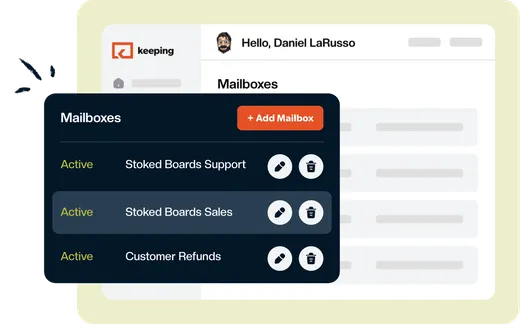
Manage access separately for each mailbox, so the teammates handling support, sales, or other shared email can work on the conversations they need.
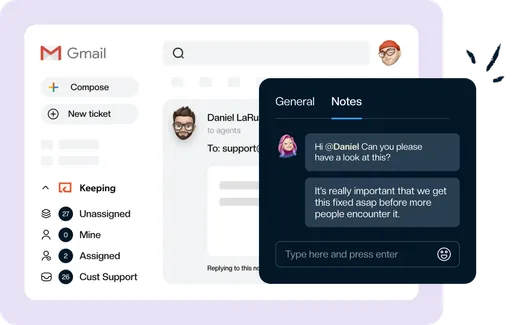
Keep the discussion with the email.
Ask a teammate for help, add context, and coordinate a reply with internal notes and @mentions. Your discussion stays attached to the conversation instead of getting lost in a forwarded thread.
See how the conversation got here.
Review a conversation’s activity log to follow its history. Together with the current assignee and status, it helps your team understand what happened and what needs to happen next.
“We've been able to cut our customer response time down to mere minutes for the vast majority of requests. Vacation and illness coverage has been nearly completely solved.”
Work together, with access you control.
Starting at $14 per user/month.
Give your team shared mailbox access, internal notes, and clear ownership—from their own Gmail accounts.
Rated 4.5 /5 on G2
14 days free. No credit card required.
Frequently asked questions
Does everyone need the shared mailbox password?
No. Each teammate signs in with their own Google account and uses Keeping from their own Gmail inbox. You can collaborate on messages sent to your shared address without giving everyone the shared mailbox password.
Can we choose who accesses each mailbox?
Yes. You choose which teammates have access to each shared mailbox and whether they are an admin or agent. This lets you manage access for different teams and shared addresses.
How does Keeping protect our data?
Keeping is SOC 2 Type II compliant, encrypts customer data at rest, and uses Google sign-in. Keeping never sees or stores your Google password. Learn more in the security section above.
Does Keeping store email data outside Gmail?
Yes. Keeping processes and stores email data to provide its shared inbox features. Its application and data infrastructure are hosted on Google Cloud Platform in the United States, with customer data encrypted at rest. Working inside Gmail does not mean your data is stored only in Gmail.
Are internal notes included in customer replies?
Internal notes are separate from your email replies and let your team discuss a conversation. If you generate a shareable conversation link, anyone with that link can also view its notes and activity. Only share a conversation link with people who should see that information.
Can we keep our existing shared email address?
Yes. Connect the shared address your team already uses, such as support@ or info@. Customers can keep emailing the same address, and your team can handle replies from Gmail.
What does Keeping cost after the trial?
Essentials starts at $14 per user per month with annual billing. Month-to-month billing is also available—explore our pricing plans.
“The single best and most impactful purchase I have made for our company, and it didn't break the bank. The ticket management has saved us so much time and money and increased our customer satisfaction score immensely.”
Bring your team together around email—with access you control.
Assign conversations, share context, and coordinate replies from the Gmail accounts your team already uses.
Rated 4.5 /5 on G2
14 days free. No credit card required.