Logistics
Simplify customer service for your logistics business
Manage your shared inboxes like dispatch@ and service@ with assignments right from Gmail. Triage email, automate busywork, and scale your team.

No Credit Card Required
Keeping is trusted by over 2,000+ customers across the world





Win more customers, drive repeat business
- Activity logs and ownership for every email. Google Groups and distribution lists make it impossible for your team to coordinate and track who is working on what. Keeping gives your entire team complete visibility on all inbound emails.
- Be the first to get a quote back to customers. Keeping makes it easy to see incoming requests. Use powerful automations to assign and triage emails automatically. Shared templates mean less typing and faster replies.
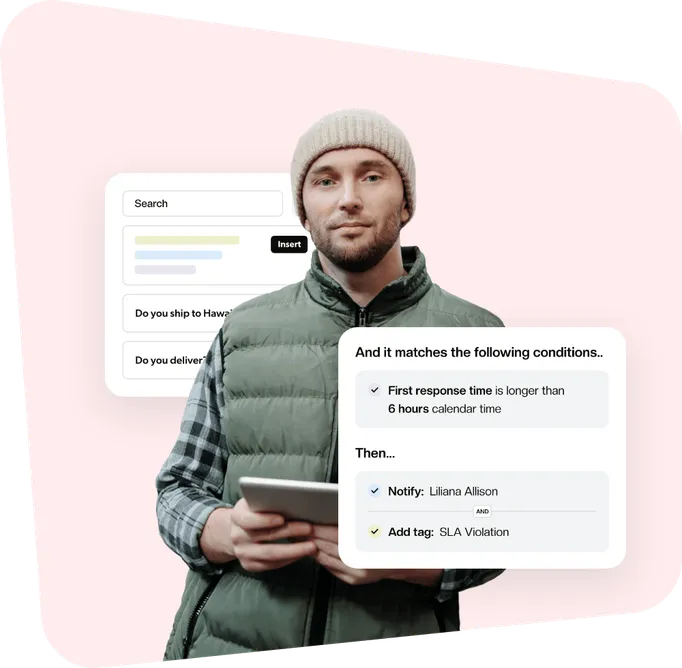
- Metrics to help your team improve. Use Service Level Agreements (SLAs) to ensure every customer gets a speedy reply. Understand response and resolution times and when your team is at its busiest.
- Collaborate without forwarding emails, CCs, or BCCs. Use private notes and @mentions to discuss an email. Ask questions, chase down answers, and keep orders moving without customers seeing.

All the features your logistics team needs to excel
Keeping is a powerful yet delightfully simple shared inbox for supply & logistics teams.
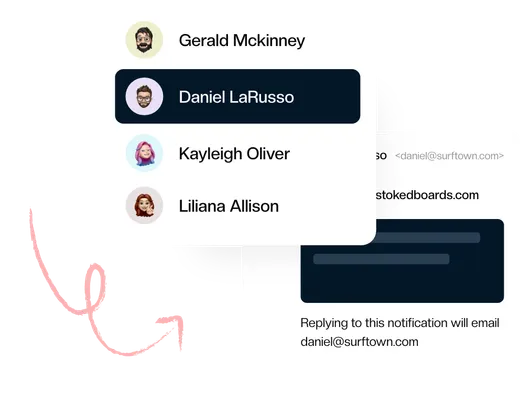
Collaborate in Gmail
Adding a shared inbox to your logistics operation no longer means opening an extra browser tab. Manage your shared inbox from your own Gmail account. No external app!
- Collaborate on emails in Gmail
- Stop duplicated work
- Share the workload
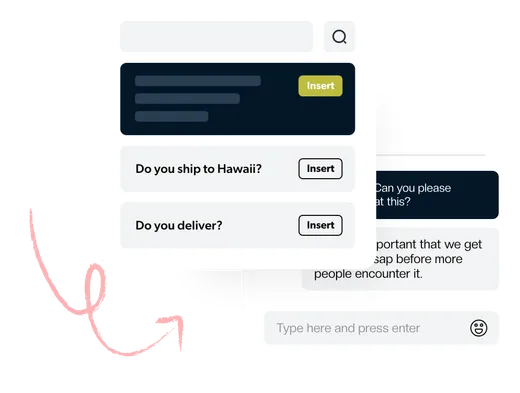
Simple & Streamlined
Our instant setup and Gmail integration are designed for the busiest logistics teams. There’s no complex software to configure. You’re up and running and supporting your organization in minutes.
- Get started in minutes
- One home for multiple mailboxes
- Save time with shared templates
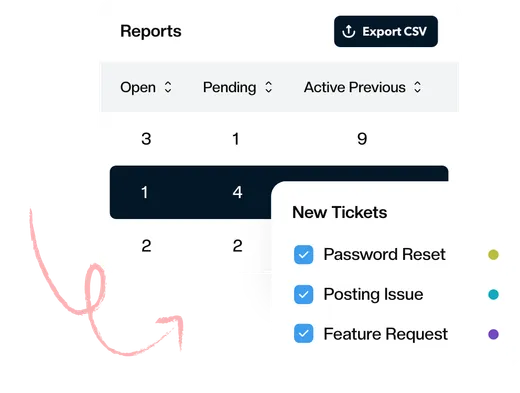
Best-in-Class Analytics
Advanced reporting gives you the data you need to know how your team responds to inbound requests and emails. Track first response time, resolution time, busiest times, and much more.
- Reports by agent, tag, and mailbox
- Understand how your team can improve
- Visualize the data over time
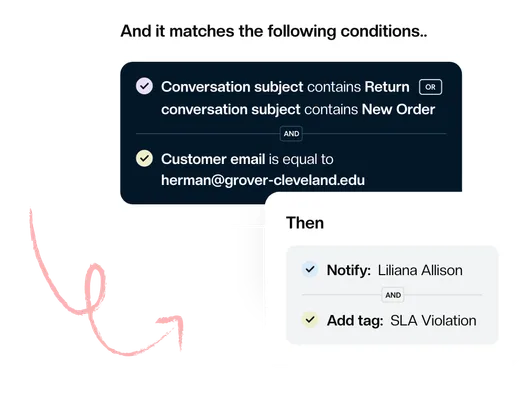
Automate Everything
Focus on what’s essential and let workflows handle repetitive tasks. Automatically assign tickets, set priority and tags, or change the status based on the content of your emails.
- Improve team efficiency
- Respond faster
- Nothing slips through the cracks
Integrations
Keeping is a powerful tool that can help you to stay organized and productive. But it can be even more powerful when you connect it to your other tools.
Learn More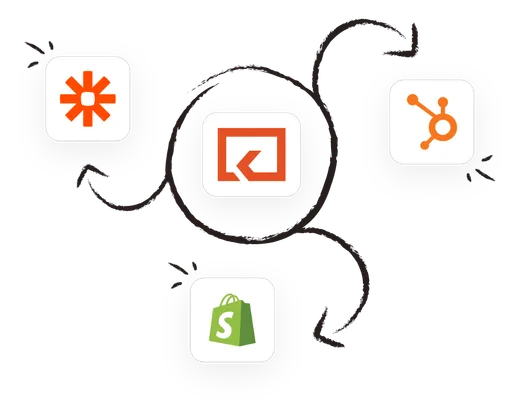
What Makes Us Different
Keeping is designed for teams that do more than just customer support.

Invisible to customers
When you reply to a customer in Keeping, they don't see any help desk jargon, such as case IDs or "reply above this line." The customer simply sees a friendly email from a real person who is happy to help.

Keeping is easier to use
Keeping is the easiest help desk tool to use because it’s built into Gmail. Teams love Keeping because there's no complicated tool to learn. If you know how to use Gmail, you already know how to use Keeping.

No lock-in
Since Keeping is built on top of Gmail, there's no lock-in, and all of your emails will always remain in your email accounts even if you decide to stop using Keeping. We never "hold you hostage" by not letting you have access to past conversations.
All the essentials that you and your team needs

Made for busy teams
Collaborate with your team in real-time — no more forwarding emails and confusion around who is doing what.

Try us for free
Keeping is free to try for 14 days. No credit card required.

Secure and safe
Keeping is SOC 2 Type II certified. Security and safety are at the core of everything we do. We publish our security policies and procedures so that you can see how we protect your data.
Advanced
$24
per user per month
billed annually
All the features you need at a price that scales with you.
See What's IncludedA universe of insights
Want to dive deeper? Check out these resources.