
Designed for
Turn Google Workspace Into Your Team’s Help Desk
Route, assign, and resolve customer emails without ever leaving Gmail—no extra logins or training required.


No Credit Card Required
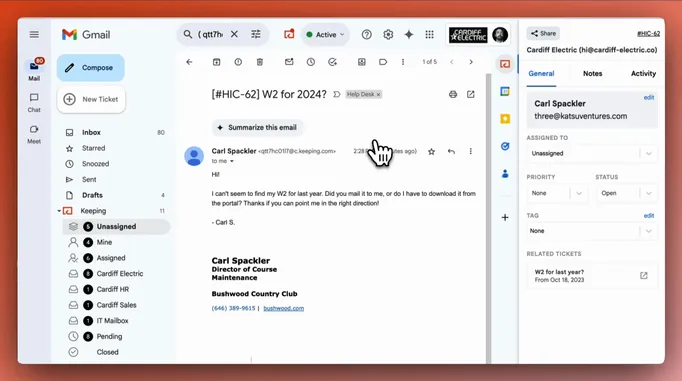

One-click install
Install a Chrome extension and get it running in 2 mins.

Unlimited shared inboxes
Multiple inboxes, all within Gmail. Without charging extra!

SOC2 compliance
Your data stays secure with industry-standard protection.
Problem
Gmail Alone Isn’t Enough to Manage Customer Emails Effectively
Without a help desk, emails get lost, responses slow down, and customer support becomes chaotic.
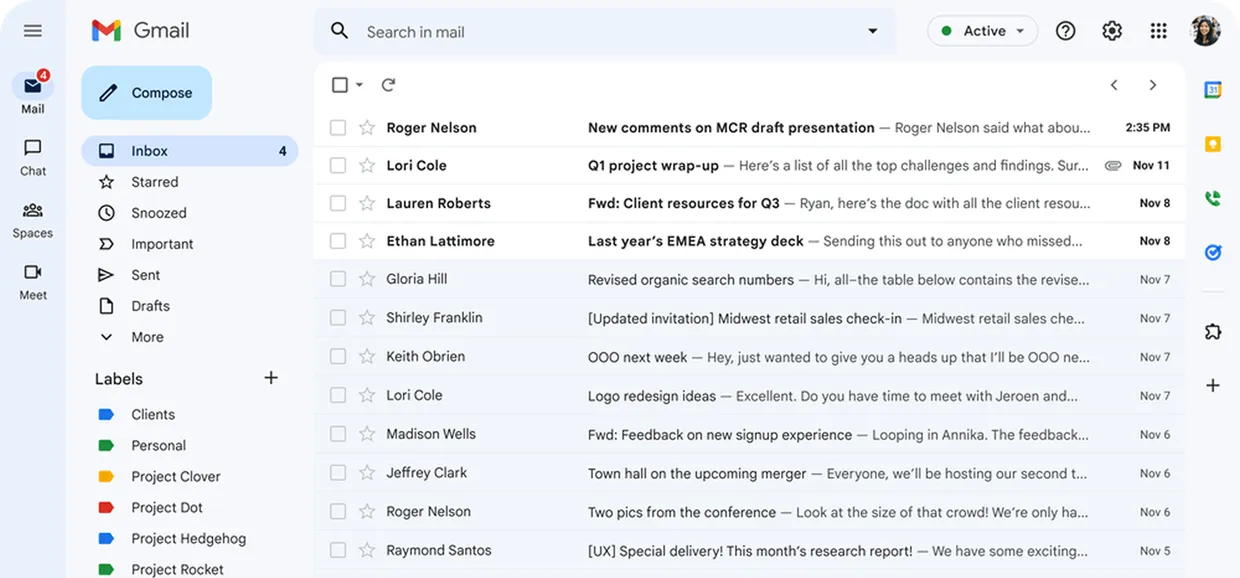
I already answered that inquiry, please have a look :)

Who is working on this? The customer is waiting on a reply.

Oh sorry, I didn’t see that ticket!

How it Works
Keeping Transforms Gmail Into a Powerful Help Desk With Assignment and Tracking
“Keeping has been a game-changer for our team! No more stepping on each other’s toes or wondering who’s handling what—everything stays organized right in Gmail.”
 Lisa T., Manager at Goal Grass
Easy Assignment
Ensure every request is assigned, tracked, and resolved with tools for team email accountability.
 Seamless email tracking and assignment.
- Easy workload distribution.
- Clear task ownership.
No Credit Card Required
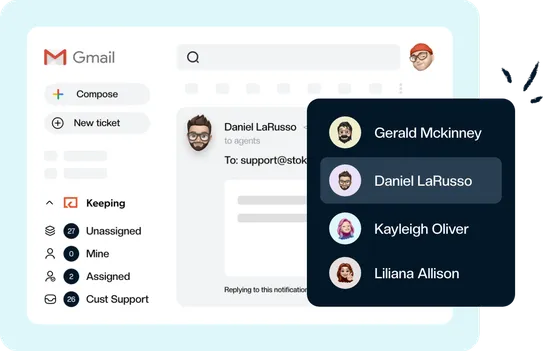
Shared Inbox
Streamline your workflow with a centralized email management system where no email gets lost.
Sign Up With GoogleNo Credit Card Required
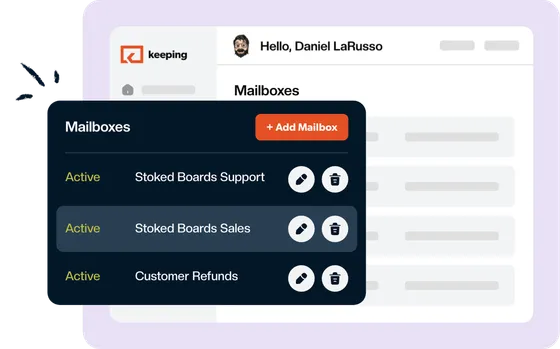
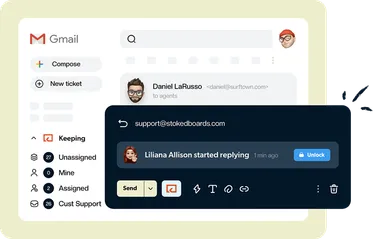
No more double replies
Prevent overlap and see when a teammate has already started responding.
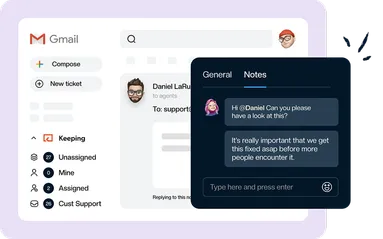
Leave notes for your team
Keep conversations focused and efficient by adding internal notes.
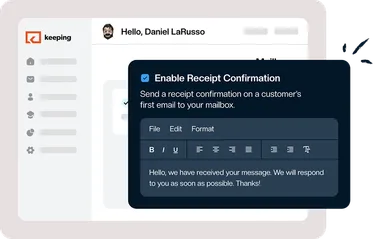
Send confirmation emails
Acknowledge customer requests instantly & keep your customers informed effortlessly.
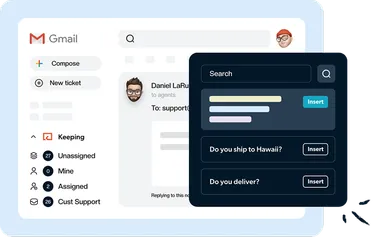
Reply faster with templates
Save time with easy-to-use customer email tools that let you create templates for quick, consistent responses.
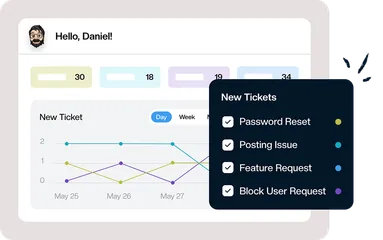
Stay organized with tags
Categorize emails with custom tags to prioritize tasks and find what you need instantly.
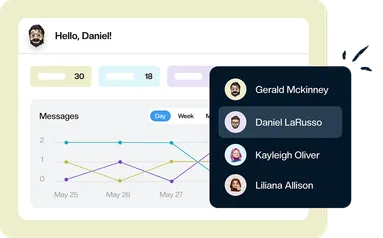
Measure efficiency with analytics
Track email bottlenecks & response times to identify inefficiencies and improve your support team's performance.
Testimonials
Trusted By Thousands of Businesses Worldwide

“Keeping has completely transformed our internal help desk. We can now stay on top of every request.”

“Keeping is the perfect help desk for our team. It really helps our team stay organized without leaving Gmail!”

“With Keeping, our HR team finally has a simple help desk for inbound requests. We reduced context switching in emails.”

You’re 2 Clicks Away From Transforming Your Gmail Into A Help Desk
Set up in minutes, assign emails, track conversations, and streamline support—all without leaving Gmail.
No Credit Card Required
 Instant Setup
Install with a single click and start tracking and assigning emails
- Play in the Sandbox
Use our test mailbox to explore Keeping without connecting your shared inbox.
- Enterprise-Grade Security
Your data is protected with SOC2 compliance