
Keeping is the Mailsuite alternative built for teams that share an inbox
Mailsuite (formerly Mailtrack) answers one question: "did they open my email?" But if your team manages a shared address like support@ or info@, the question that matters is "who's handling this - and did we reply?"


Rated 4.5 /5 on G2
No Credit Card Required
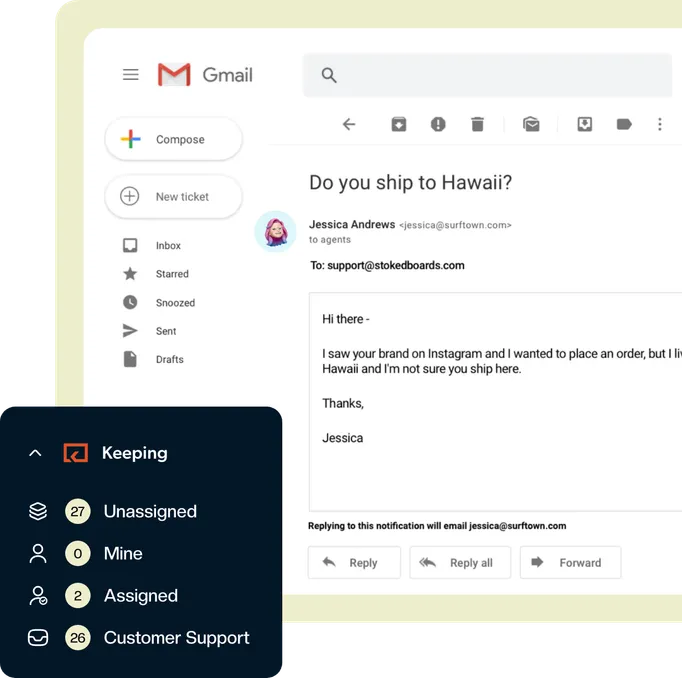
Mailsuite is an email tracker, not a shared inbox
Mailsuite answers one question: did they open my email? Pick Keeping if your team shares an address like support@ and needs to know who is handling a message and whether it was answered — assignments, statuses and reporting, right inside Gmail.
Mailsuite is a fine tool for what it does: read receipts, link tracking, and delivery certificates for individual senders. But it has no shared inbox, no way to connect a group address, no assignments, no collision detection, and no team reporting.
Even "Mailsuite for Teams" is just centralized billing and seat discounts — everyone still works alone in their own inbox. If two teammates answer the same customer (or nobody does), Mailsuite can’t help you.
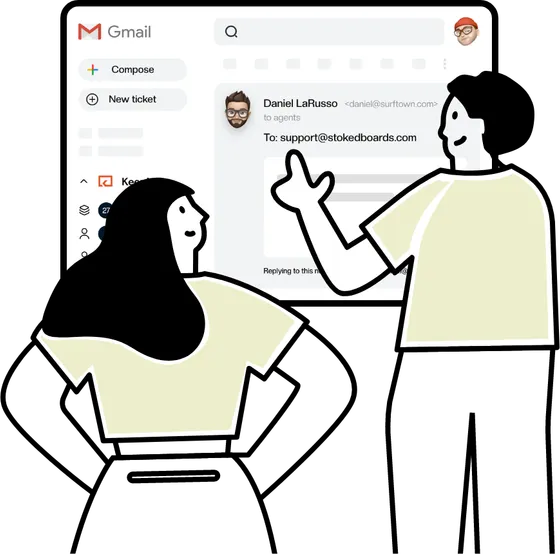
Keeping and Mailsuite solve different problems
You can even use both: keep Mailsuite for tracking your personal outreach, and use Keeping to run your shared support address.
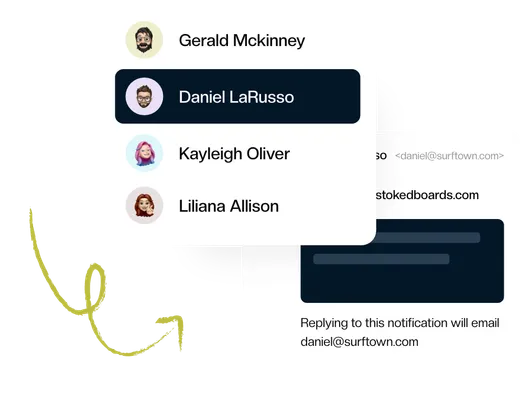
Keeping creates a shared mailbox right inside Gmail where every incoming email gets an owner and a status — Open, Pending, or Closed — and your whole team can see who’s on it.

A quick comparison on price
See how Keeping and Mailsuite compare on the things a team sharing one address needs.
| Features |  | Mailsuite |
|---|---|---|
| Shared inbox for a group address | Yes | No |
| Assign an owner to every email | Yes | No |
| Statuses: Open, Pending, Closed | Yes | No |
| Collision detection | Yes | No |
| Team reporting | Yes | No |
| Read receipts and link tracking | No | Yes |
| Unbranded replies to customers | Yes | Free tier stamps every email |
| Most popular plan | $24per user/month | $19.99per user/month |
The Mailsuite alternative your team will love
Keeping was designed from the ground up for teams that need to quickly collaborate on a shared inbox.
Collaborate in Gmail
Adding customer support to your operation no longer means opening an extra browser tab. Manage your shared inbox from your own Gmail account. No external app!
- Add collaboration to email
- Stop duplicated work
- Share the workload
Simple & Streamlined
Our instant setup and Gmail integration are designed for the busiest teams. There’s no complex software to configure. You’re up and running and supporting customers in minutes.
- Get started in minutes
- One home for multiple mailboxes
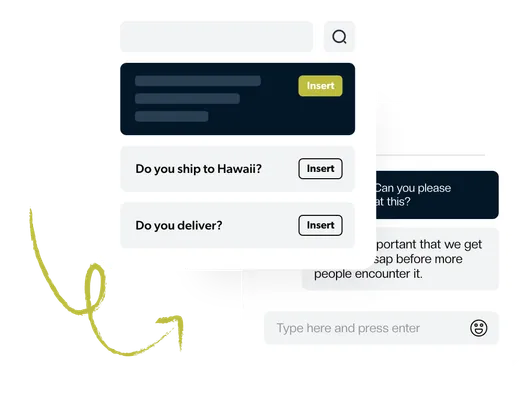
- Save time with shared templates
Best-in-Class Analytics
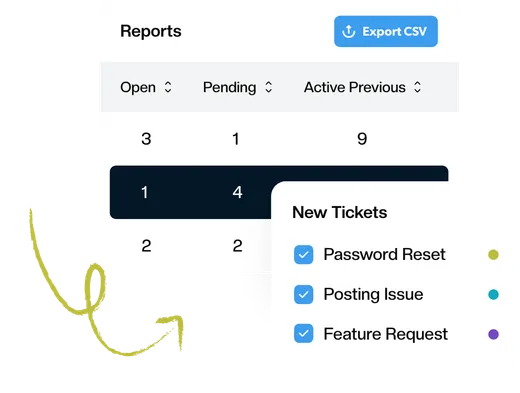
Advanced reporting gives you the data you need to know how your team responds to customers. Track first response time, resolution time, busiest times, and much more.
- Reports by agent, tag, and mailbox
- Understand how your team can improve
- Visualize the data over time
Automate Everything
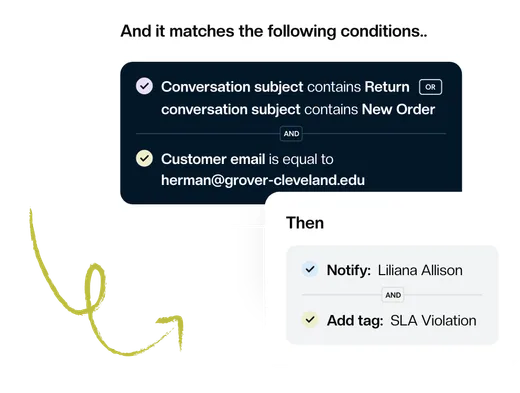
Focus on what’s essential and let workflows handle repetitive tasks. Automatically assign tickets, set priority and tags, or change the status based on the content of your email.
- Improve team efficiency
- Respond to customers faster
- Nothing slips through the cracks
Connect the Tools You Use
Keeping is a powerful tool that can help you to stay organized and productive. But it can be even more powerful when you connect it to your other tools, such as Shopify, Zapier, or HubSpot.
Learn More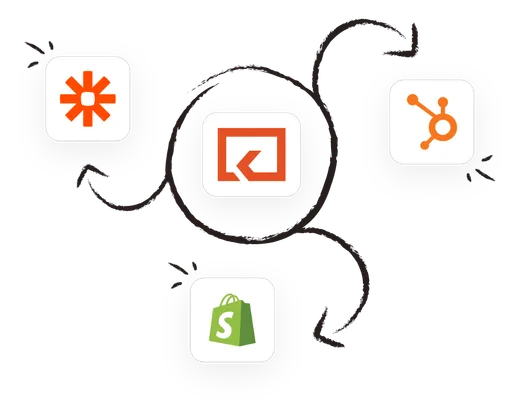
Keeping works inside Google Workspace
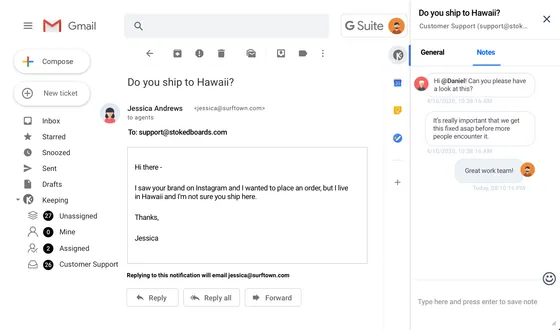
Unlike Google Groups, Keeping integrates with Gmail so you can access your customer support inbox without leaving Gmail. This means you can manage your customer support inbox in the same place you manage your other emails, without having to open any extra browser tabs.
When all of your customer support conversations are in one place, you can easily keep track of what has been said and who is responsible for each issue. This can help to improve clarity and communication between you and your customers.
Team features at a fair price
Mailsuite’s full plan costs $19.99 per user per month — and its free tier stamps "Sent with Mailsuite" on every email you send.
Keeping includes unlimited shared mailboxes on its most comprehensive plan, never brands your emails, and stays completely invisible to your customers: they just see a friendly reply from your support address.
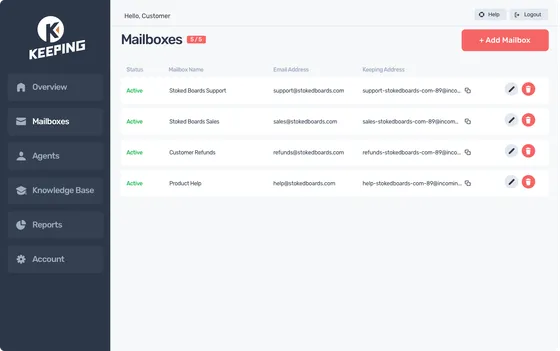
The shared inbox Gmail is missing

Made for busy teams
Collaborate with team members in real-time — no more forwarding emails and confusion around who is doing what.

Try us for free
There's no credit card required to get started. Get set up and connected in less than 10 minutes.

Secure and safe
Security and safety are at the core of everything we do. We publish our security policies and procedures so that you can see how we protect your data.
Essentials
$14
per user per month
billed annually
Our most comprehensive plan at a price you can afford.
See What's IncludedOur customers love us for a reason
Don’t just take our word for it, see what our customers are saying about us.

Rated 4.5 /5 on G2

“Keeping helps our customer service team stay on top of inquiries & recognize when an issue has been handled.”
“It's a great tool for tracking and sharing support emails with colleagues. I love how Keeping email has its own inbox inside Gmail.”
“Keeping seamlessly integrates with Gmail, so we don't have to work with another tool. It allows everyone to see responses from the team.”
“Seeing our shared mailbox right in GSuite, the automatic setup, and the ability to keep track of issues are my favorite features.”
“At our university, Keeping gives us control over the responses of all our agents, as well as ensuring that all emails are being responded to.”
“Our HR department uses Keeping, and it works amazingly well for us to keep organized. It's a simple but robust ticketing system.”
“I like that we can use it right inside our Gmail. I also like that we can assign and prioritize incoming requests.”
“Keeping makes it simple to stay on top of our work orders, and I love that it is integrated with Gmail.”
“Tried them all - Keeping is perfect for our startup. Exactly the features we needed, like Gmail integration and collision detection.”