
Keeping vs. Streak
Keeping is the Streak alternative that's built for customer support
Streak is a CRM that turns Gmail into sales pipelines. But a sales pipeline is not a help desk — and support teams on Streak end up paying $49–89 per user for a spreadsheet bolted onto their inbox.
- Assign every email to one owner, inside Gmail
- Nothing to migrate: your email is already in Gmail
- Set up in two minutes with Google sign-in



Rated 4.5 /5 on G2
14 days free. No credit card required. Works with the Gmail you already use.
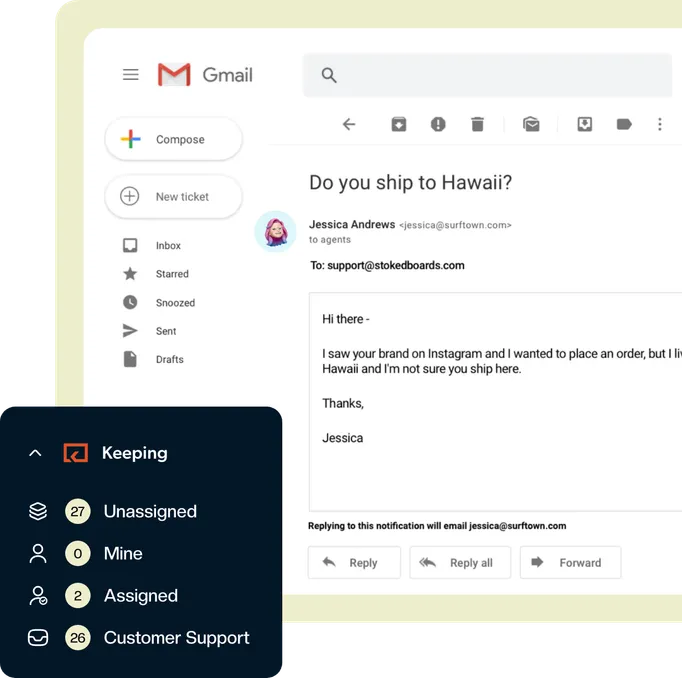
2,000+ companies run their shared inbox in Gmail with Keeping





“We've been able to cut our customer response time down to mere minutes for the vast majority of requests. Vacation and illness coverage has been nearly completely solved.”
Streak is a CRM, not a help desk
Streak is a CRM that turns Gmail into sales pipelines, and a sales pipeline is not a help desk. Pick Keeping for assignments, statuses, collision detection and support reporting inside Gmail — and keep Streak for your sales pipeline if you already use it.
Streak is genuinely good at what it was built for: tracking deals in Gmail. But when teams point a support@ address at a Streak pipeline, the gaps show up fast.
Statuses are pipeline stages you set up yourself, round-robin assignment takes a Zapier workflow, and the dashboards report on a pipeline rather than on response times. There is no collision detection to stop two teammates answering the same customer, and no SLAs. Every conversation becomes a "box" in a pipeline that was never designed for support volume.

Keep Streak for sales. Use Keeping for support
You don’t have to choose. Plenty of teams run Streak for their sales pipeline and Keeping for their shared support inbox — both live inside Gmail, side by side.
Keeping picks up where Streak stops: your support@ email becomes a shared mailbox where every request is assigned, tracked, and answered once.
Streak vs Keeping, feature by feature
See how Keeping and Streak compare on the things a support team needs.
| Features |  | Streak |
|---|---|---|
| Built for customer support | Yes | A pipeline CRM |
| Ticket statuses | Yes | Pipeline stages |
| Collision detection | Yes | No |
| Round-robin assignment | Yes | Only through Zapier |
| SLAs | Yes | No |
| Customer support reporting | Yes | Pipeline reports only |
| Whole team must share one plan | No | Yes |
| Most popular plan | $24per user/month | $69per user/month |
The Streak alternative your team will love
Keeping was designed from the ground up for teams that need to quickly collaborate on a shared inbox.
Collaborate in Gmail
Adding customer support to your operation no longer means opening an extra browser tab. Manage your shared inbox from your own Gmail account. No external app!
- Add collaboration to email
- Stop duplicated work
- Share the workload
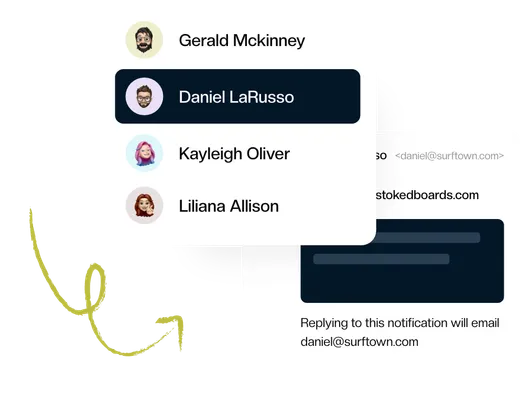
Simple & Streamlined
Our instant setup and Gmail integration are designed for the busiest teams. There’s no complex software to configure. You’re up and running and supporting customers in minutes.
- Get started in minutes
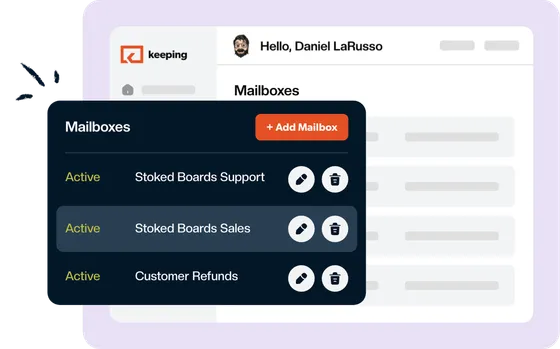
- One home for multiple mailboxes
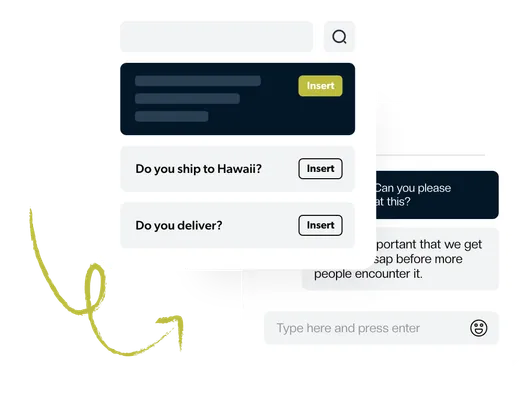
- Save time with shared templates
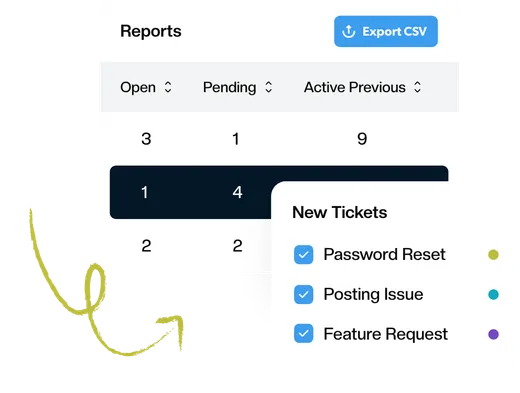
Best-in-Class Analytics
Advanced reporting gives you the data you need to know how your team responds to customers. Track first response time, resolution time, busiest times, and much more.
- Reports by agent, tag, and mailbox
- Understand how your team can improve
- Visualize the data over time
Automate Everything
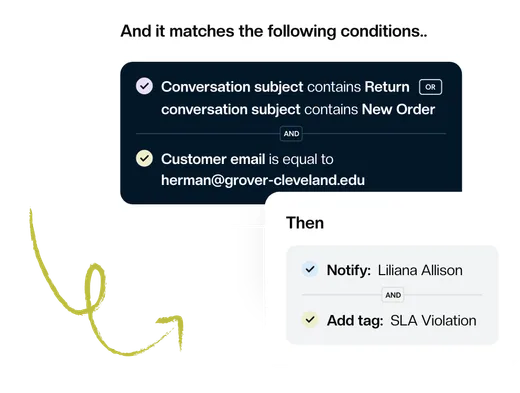
Focus on what’s essential and let workflows handle repetitive tasks. Automatically assign tickets, set priority and tags, or change the status based on the content of your email.
- Improve team efficiency
- Respond to customers faster
- Nothing slips through the cracks
Connect the Tools You Use
Keeping is a powerful tool that can help you to stay organized and productive. But it can be even more powerful when you connect it to your other tools, such as Shopify, Zapier, or HubSpot.
Learn More about Connect the Tools You Use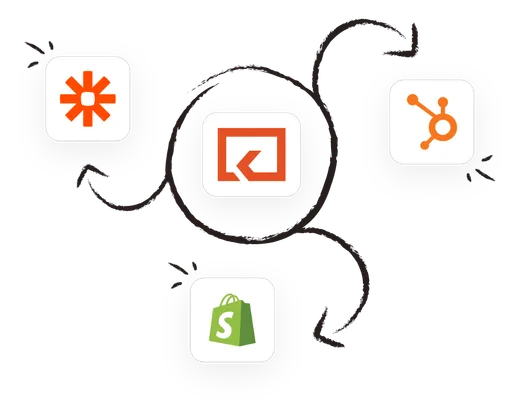
Keeping works inside Google Workspace
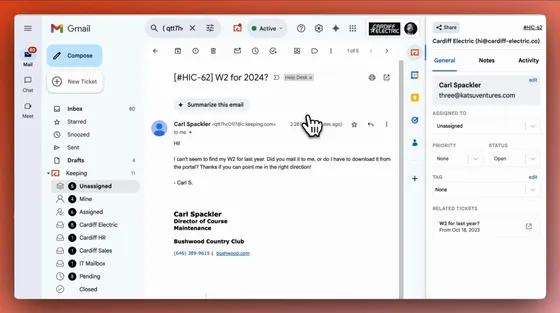
Unlike Google Groups, Keeping integrates with Gmail so you can access your customer support inbox without leaving Gmail. This means you can manage your customer support inbox in the same place you manage your other emails, without having to open any extra browser tabs.
When all of your customer support conversations are in one place, you can easily keep track of what has been said and who is responsible for each issue. This can help to improve clarity and communication between you and your customers.
Keeping costs a fraction of Streak
To share a pipeline with your team, Streak starts at $49/user/month billed annually — and if anyone on the team needs automations or advanced reports, everyone must upgrade to Pro+ at $69/user/month, because Streak requires the whole team to be on the same plan.
A 5-person support team on Streak Pro+ pays over $4,100 a year. The same team on Keeping’s most comprehensive plan pays a fraction of that — with unlimited shared mailboxes, workflows, SLAs, and support reporting included.
And you’ll never pay for CRM features your support team doesn’t use.
The shared inbox Gmail is missing

Made for busy teams
Collaborate with team members in real-time — no more forwarding emails and confusion around who is doing what.

Try us for free
Sign in with Google and you're set up in two minutes. The trial is the full product, so your team can run real email through it before you decide.

Secure and safe
Security and safety are at the core of everything we do. We publish our security policies and procedures so that you can see how we protect your data.
Essentials
$14
per user per month
billed annually
Our most comprehensive plan at a price you can afford.
Streak alternative FAQ
Is Streak a help desk?
No. Streak is a CRM that runs in Gmail and tracks each conversation as a box in a pipeline. Statuses are pipeline stages you set up yourself, round-robin assignment needs a Zapier workflow, and there is no collision detection and no SLAs. Keeping is built for a shared support inbox, with all of those inside Gmail.
How much does Streak cost?
Streak Pro is $49, Pro+ is $69 and Enterprise is $129 per user per month, billed annually ($59, $89 and $159 billed monthly). Automations need Pro+, and everyone on a Streak team must be on the same plan. Keeping's Advanced plan is $24 per user per month on an annual plan.
Is Streak free?
Streak has a free plan with email tracking, snippets and mail merge, but it has no CRM pipelines, so a team cannot share work on it. Shared pipelines start on the Pro plan.
Can I use Streak and Keeping together?
Yes. Both run inside Gmail. Keep Streak for your sales pipeline and use Keeping for your shared support address, where every request is assigned, tracked and answered once.
Does Keeping have a free trial?
Yes. Keeping has a 14-day free trial that requires no credit card, and most teams are set up in Gmail in minutes.
Our customers love us for a reason
Don’t just take our word for it, see what our customers are saying about us.

Rated 4.5 /5 on G2

“Keeping helps our customer service team stay on top of inquiries & recognize when an issue has been handled.”
“It's a great tool for tracking and sharing support emails with colleagues. I love how Keeping email has its own inbox inside Gmail.”
“Keeping seamlessly integrates with Gmail, so we don't have to work with another tool. It allows everyone to see responses from the team.”
“Seeing our shared mailbox right in GSuite, the automatic setup, and the ability to keep track of issues are my favorite features.”
“At our university, Keeping gives us control over the responses of all our agents, as well as ensuring that all emails are being responded to.”
“Our HR department uses Keeping, and it works amazingly well for us to keep organized. It's a simple but robust ticketing system.”
“I like that we can use it right inside our Gmail. I also like that we can assign and prioritize incoming requests.”
“Keeping makes it simple to stay on top of our work orders, and I love that it is integrated with Gmail.”
“Tried them all - Keeping is perfect for our startup. Exactly the features we needed, like Gmail integration and collision detection.”