

Customer Support
Delightfully simple customer support
Keeping is a simple yet powerful email support software that integrates with your Gmail inbox. It's perfect for businesses of all sizes that want to organize their email support channel without the clutter and confusion of a tool like Zendesk.
No Credit Card Required


2000+ Companies Trust Keeping to Power Their Shared Inbox






Powerful customer support in Gmail
Keeping gives you everything you need to manage incoming customer emails without ever leaving Gmail.
- Track customer messages and assign them to the right team member. Use Keeping to ensure that all customer messages are handled promptly and efficiently.
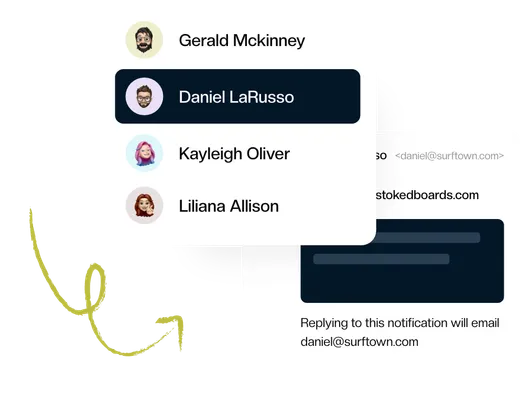
- Improve communication and collaboration between team members. Since there is no extra tool to log into, every team member can be involved in customer support. Use private notes and @mentions to get the right answer from the right person, fast.
- Provide a better customer experience. Never keep your customers waiting with automated workflows, SLAs, and a shared knowledge base.

Email support software that makes everyone happy
Keeping is the customer support email software that both your team and customers will love.
- It's like Gmail. But with superpowers. Keeping is built on top of Gmail, so there's no complicated new tool to learn. If you know how to use Gmail, you already know how to use Keeping.
- It's powerful. Keeping offers many features to help teams improve customer support, such as ticket management, collaboration tools, and reporting. This makes it a versatile tool that can meet the needs of teams of all sizes and industries.
- It's affordable. Keeping's innovative pricing means teams can find a plan that fits their budget. This makes it a cost-effective solution for businesses of all sizes.

All the features your team needs
All the features you need to provide seamless email customer support.
Collaborate in Gmail
Adding customer support to your operation no longer means opening an extra browser tab. Manage your shared inbox from your own Gmail account. No external app!
- Collaborate with shared notes
- Stop duplicate work with collision detection
- Assign, prioritize, and track emails
Simple & Streamlined
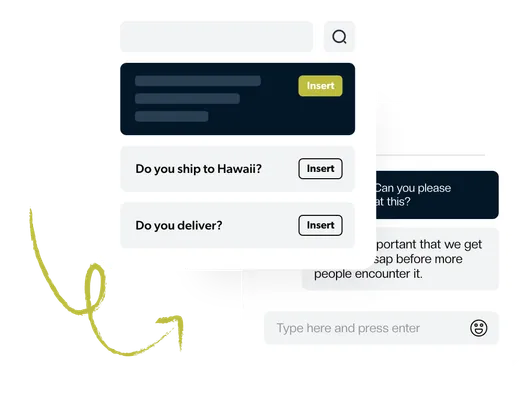
Our instant setup and Gmail integration are designed for the busiest teams. There’s no complex software to configure. You’re up and running and supporting customers in minutes.
- Get started in minutes
- One home for multiple mailboxes
- Save time with shared templates
Best-in-Class Analytics
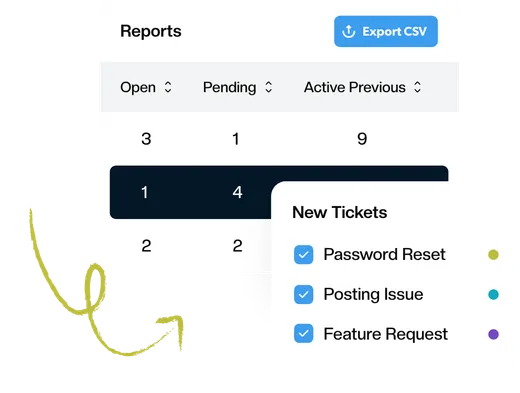
Advanced reporting gives you the data you need to know how your team responds to customers. Track first response time, resolution time, busiest times, and much more.
- Reports by agent, tag, and mailbox
- Understand how your team can improve
- Visualize the data over time
Automate Everything
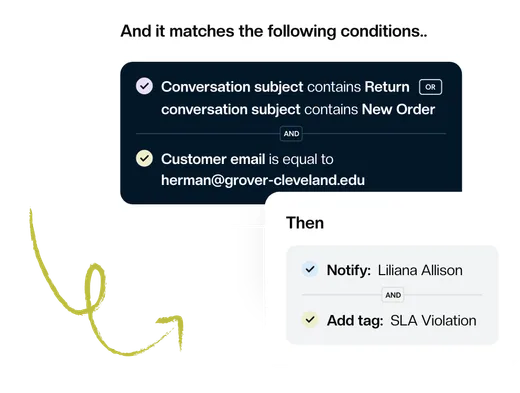
Focus on what’s essential and let workflows handle repetitive tasks. Automatically assign tickets, set priority and tags, or change the status based on the content of your email.
- Improve team efficiency
- Respond to customers faster
- Nothing slips through the cracks
Connect the Tools you Use
Keeping is a powerful tool that can help you to stay organized and productive. But it can be even more powerful when you connect it to your other tools, such as Shopify, Zapier, or HubSpot.
Learn More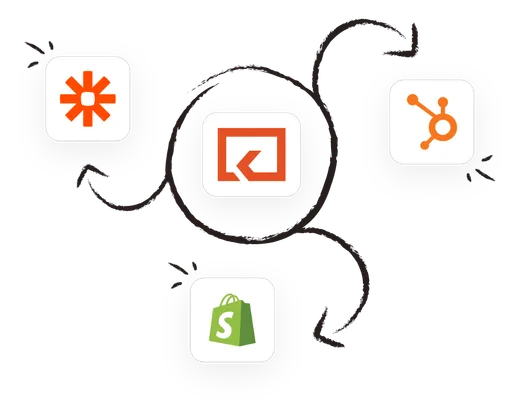
What Makes Us Different
Keeping is designed for teams that do more than just customer support.

Invisible to customers
When you reply to a customer in Keeping, they don't see any help desk jargon, such as case IDs or "reply above this line." The customer simply sees a friendly email from a real person who is happy to help.

Keeping is easier to use
Keeping is the easiest help desk tool to use because it’s built into Gmail. Teams love Keeping because there's no complicated tool to learn. If you know how to use Gmail, you already know how to use Keeping.

No lock-in
Since Keeping is built on top of Gmail, there's no lock-in, and all of your emails will always remain in your email accounts even if you decide to stop using Keeping. We never "hold you hostage" by not letting you have access to past conversations.
Join the thousands of users that are sharing inboxes with Keeping!
Every day, 2,000+ customers trust Keeping to sync and share their mailboxes. Setup takes minutes, and there's no credit card to get started.
A universe of insights
Want to dive deeper? Check out these resources.