Features
Manage your shared infobox from your own Gmail account. No external app required.
With no complex software to configure, you are up and running in minutes.
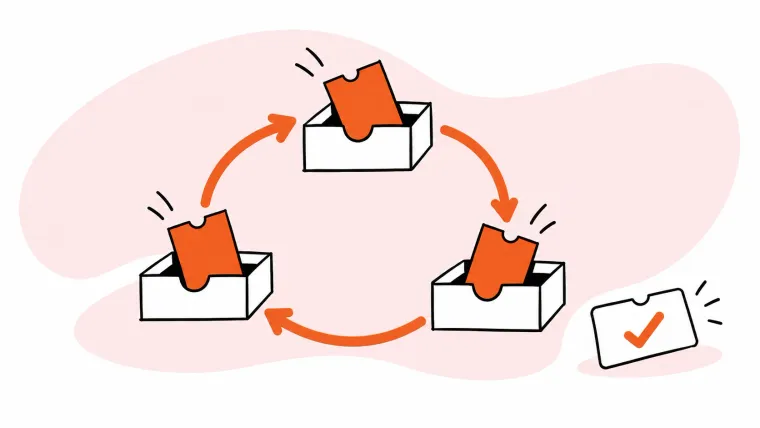
Let workflows handle repetitive tasks. Automatically assign emails, set priority and tags, or change the status.
Detailed support metrics track your team performance. Get insights that help your improve as a team.
Connect Keeping to your other tools, like Shopify, Zapier, or Hubspot.
Automate with workflows
Use simple if/then logic to automatically assign tickets, prioritize important customers, or ignore spam and promotional emails.
By Use Cases
Manage shared inboxes like support@ and info@ from inside your Gmail account.
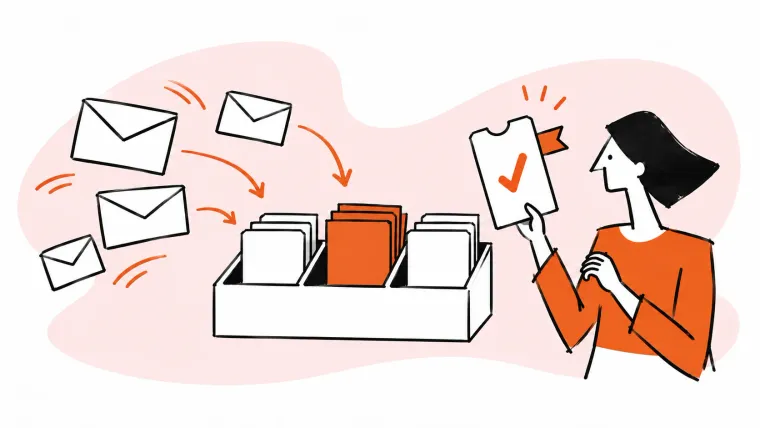
Turn emails into support tickets that you can track, assign, and prioritize.
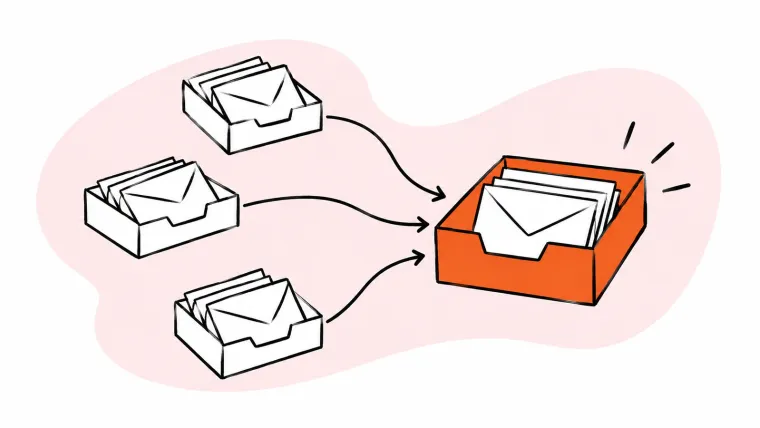
Create a unified inbox for all of your shared Gmail mailboxes.
Organize your email support channel without the clutter and confusion of a tool like Zendesk.
Keeping gives your Google Group new superpowers. Share private notes, assign and prioritize incoming emails.
Share your Gmail templates with your team to answer your repetitive questions more quickly.
By Department
Resources
Tips on delighting your customers and delivering exceptional customer service.
See how Keeping stacks up to other shared inbox tools.
Because the world doesn't need another Zendesk.
Everything you need to know to get started with Keeping.
Featured Blog
Tools
Gmail