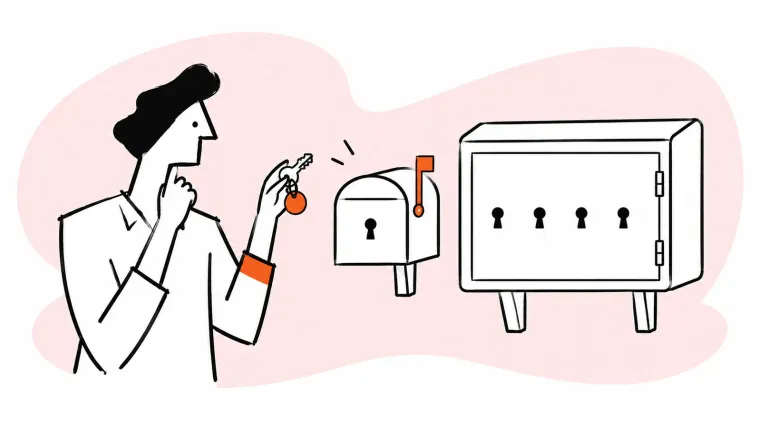

What is a business associate agreement (BAA)? It’s the contract HIPAA requires before you let a vendor handle patient information for you, and most small practices need several: one from the email provider, the shared inbox or help desk, the forms and scheduling tools, file storage, and any phone or texting app that keeps messages.
Maybe a vendor has sent you one to sign, or someone told you to “get a BAA from every vendor.” Not every vendor needs one, and the checklist below shows which of your tools do.
What is a business associate agreement?
A business associate agreement is a written contract between a HIPAA covered entity and a business associate: an outside company or person that handles protected health information (PHI) for it. HIPAA lets you share PHI with a vendor only once you have its “satisfactory assurances” in writing that it will safeguard the information (HHS guidance on business associates). The BAA is that writing.
You’ll also see it called a business associate contract, a BAA agreement or a HIPAA BAA. It isn’t an NDA. An NDA keeps information confidential, while a BAA binds the vendor to HIPAA’s rules on how patient data is used, protected and reported after a breach. Since 2013, business associates have also been directly liable to HHS for parts of those rules.
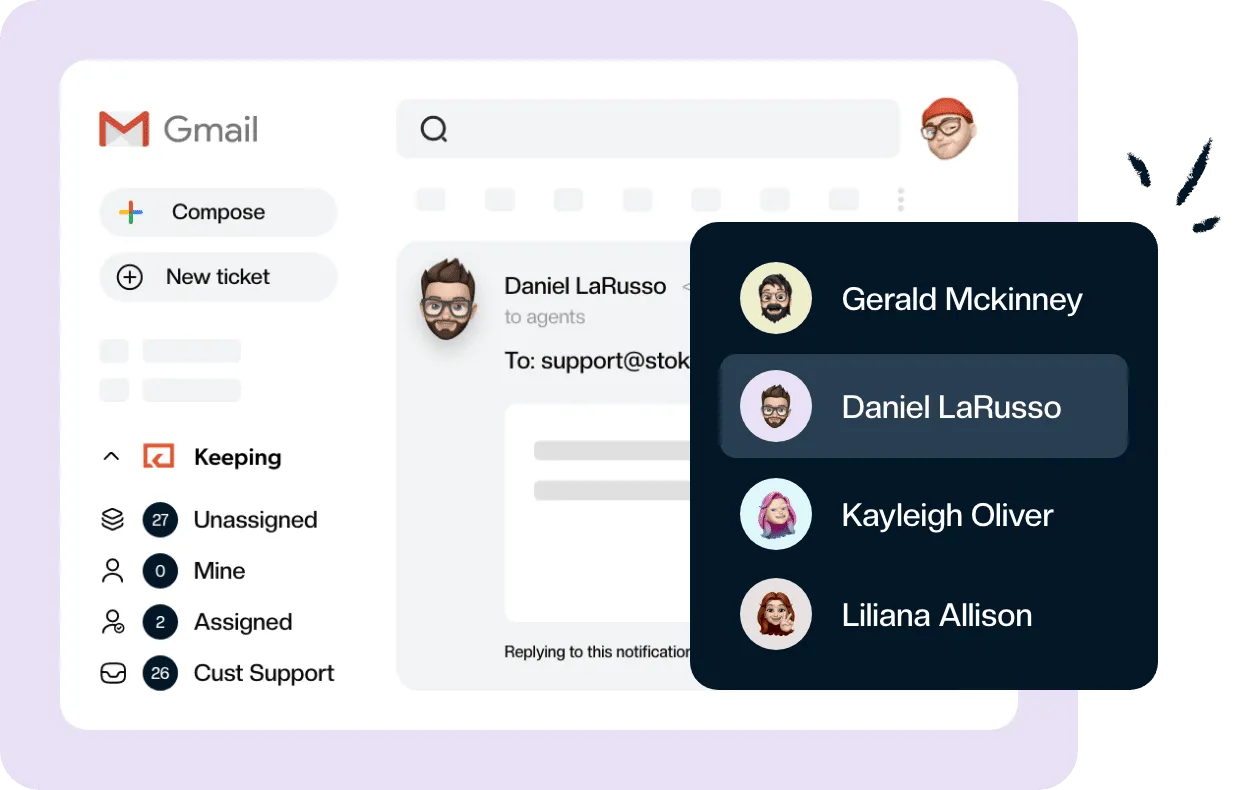
Sharing patient email in Gmail?
Keeping's HIPAA plan includes a signed BAA, so your front desk can assign, note and track patient emails without leaving Gmail.
What is a BAA in healthcare? Covered entities, business associates and subcontractors
HIPAA defines three roles:
| Role | Who it is | Signs a BAA with |
|---|---|---|
| Covered entity | Health plans, healthcare clearinghouses, and healthcare providers that send health information electronically in standard transactions such as insurance claims | Each of its business associates |
| Business associate | A person or company that creates, receives, maintains or transmits PHI for a covered entity: billing services, IT support, cloud storage, EHR vendors, transcription, and the software your patient email runs through, starting with HIPAA compliant email providers | The covered entity, and its own subcontractors |
| Subcontractor | A company doing the same work for a business associate, such as the cloud host behind your help desk | The business associate that hired it |
The chain runs downstream. Your vendor must have a BAA with its own subcontractors before passing PHI to them, and you don’t have to sign with those subcontractors yourself. A provider counts as a covered entity because it sends health information electronically in standard transactions, so a cash-only practice should check whether HIPAA applies to it.
Which software vendors need a BAA? A checklist for small practices
If a vendor’s systems create, receive, store or process patient information for you, it needs a BAA, even if the data is encrypted and the vendor holds no key. If it only carries information from A to B, with no more than temporary storage and no routine access, it’s a conduit and doesn’t. HHS’s examples of conduits are the postal service, certain private couriers and their electronic equivalents.
For the tools a small practice actually uses:
| Tool | BAA needed? | Why |
|---|---|---|
| Email provider | Yes | It stores your mail. Google Workspace and Microsoft 365 both offer a BAA: with Google, a super admin has to accept Google’s BAA in the Admin console. Free @gmail.com accounts have none. |
| Shared inbox, help desk or Gmail add-on | Yes, its own | It reads and stores the mail your provider holds, and your provider’s BAA doesn’t cover it. Gmail add-ons need their own BAA, so check which HIPAA compliant help desk software signs one. |
| Online forms and intake | Yes | The form vendor receives patients’ answers for you, whether it keeps them or emails them on. |
| Scheduling and reminders | Yes | Appointments tied to a named patient are PHI, and the scheduling service stores them. Pagosa Springs Medical Center paid $111,400 in 2018 over a scheduling calendar vendor with no BAA (HHS). |
| File storage and backup | Yes | Storing PHI is “maintaining” it, even when it’s encrypted and the provider has no key (HHS cloud guidance). |
| Phone and texting | Depends | A carrier that only connects calls or delivers texts is a conduit. An app that keeps recordings, voicemail or texts needs a BAA because it maintains patient information (HHS telehealth guidance, cloud guidance). |
| Telehealth video | Yes | Only a carrier or internet provider that just connects the call is a conduit. A platform that hosts sessions, patient accounts or recordings needs a BAA (HHS cloud guidance). |
| AI tools, transcription and chatbots | Yes, if patient information goes in | HHS names transcription apps and a chatbot on a patient portal as business associates. |
| Billing and IT support | Yes | HHS names both as business associates. Advanced Care Hospitalists paid $500,000 in 2018, in part because it never had a BAA with its billing provider (HHS). |
| Records storage and shredding | Yes | Holding or destroying patient records means handling PHI. A small pediatric practice paid $31,000 in 2017 over a records-storage company with no signed BAA (HHS). |
Go through this list before patient information reaches any tool. If several people answer one front-desk address, they also need their own logins: you can share an inbox without sharing a password.
When is a business associate agreement required, and when isn’t it?
A BAA is required whenever a covered entity, or a business associate, lets another person or company create, receive, maintain or transmit PHI on its behalf, and it has to be in place before the PHI changes hands. HHS lists the common cases where it isn’t needed (HHS guidance on business associates):
- Sharing records with another provider for treatment, such as a referral to a specialist or an order to a lab.
- Sending claims to a health plan for payment.
- People whose work gives them only incidental access, such as cleaners or electricians, with reasonable safeguards in place.
- Conduits that only transmit PHI: the postal service, certain private couriers, and phone carriers and internet providers that only connect the call (HHS telehealth guidance).
- Banks processing payments.
What a HIPAA business associate agreement must include
HHS’s sample business associate agreement provisions set out what every BAA has to do. In plain words, the contract must:
- Say what the vendor may and must do with PHI.
- Bar any other use or disclosure, except as the law requires.
- Require safeguards, including the HIPAA Security Rule for electronic PHI.
- Require the vendor to report any use or disclosure the contract doesn’t allow, including breaches of unsecured PHI.
- Make PHI available for patients’ requests to see it, amend it or get an accounting of disclosures.
- Require the vendor to follow the Privacy Rule for any of your obligations it carries out.
- Open its practices, books and records on PHI to HHS.
- Return or destroy the PHI when the contract ends, where that’s feasible.
- Hold its subcontractors to the same restrictions and conditions.
- Let you end the contract if the vendor violates a material term.
The Security Rule adds one more: the vendor must report any security incident it becomes aware of. You can add a shorter deadline for reporting a breach, an option HHS’s sample language suggests.
Is there a business associate agreement template?
Yes. HHS publishes sample BAA provisions, written in 2013. They’re sample language rather than a complete contract, using them isn’t required, and HHS notes they may not be enough on their own to make a binding contract under state law.
In practice, most software vendors hand you their own BAA or a click-through amendment, and you sign theirs. If you’re the one drafting, say for a biller you hire, start from HHS’s provisions and have a lawyer review the result.
What happens if you don’t have a BAA?
Sharing PHI with a business associate without a BAA is a HIPAA violation, and HHS has settled cases over exactly that, including with small practices:
- Center for Children’s Digestive Health, a small pediatric practice, paid $31,000 in 2017. It had given a records-storage company PHI since 2003, and neither side could produce a signed BAA (HHS).
- Pagosa Springs Medical Center paid $111,400 in 2018, in part for disclosing 557 patients’ information to a web-based scheduling calendar vendor without a BAA (HHS).
- Raleigh Orthopaedic Clinic paid $750,000 in 2016 after handing the x-rays and PHI of 17,300 patients to a potential business partner without a BAA (HHS).
Raleigh Orthopaedic’s corrective action plan also required a named person responsible for BAAs, a standard template, and keeping each BAA for six years after the relationship ends.
How to get a BAA from a vendor
- List every tool that would touch patient information. Use the checklist above.
- Check which plan includes the BAA. Many vendors reserve it for an upper tier. Our comparison of HIPAA compliant help desk software shows how much that varies.
- Sign or accept it before any patient information goes in. Run trials with test data until the BAA is in place.
- Keep a copy with the date. Check again when you add a feature or an integration, since it may sit outside the vendor’s BAA.
If your front desk answers patient email in Gmail, Keeping is a shared inbox and help desk that runs inside it, for HIPAA compliant Gmail without a separate system. The HIPAA plan is $49 per user per month billed annually, with an executed BAA included. Start the free trial with test data, ask us for the BAA, and your account is set up as HIPAA Enabled once the BAA is signed and the HIPAA configuration requirements are met, before any patient email goes in.
See how the HIPAA plan works, compare every plan on Keeping pricing, or start your free trial on the HIPAA plan.
Frequently asked questions about business associate agreements
What does BAA mean?
BAA stands for business associate agreement, the contract HIPAA requires between a healthcare provider, health plan or clearinghouse and any vendor that handles patient information for it. You’ll also see it called a business associate contract or a HIPAA BAA.
Is a BAA needed with every vendor?
No. You need one only with vendors that create, receive, store or process patient information for you. A cleaning company, an electrician, your bank or a phone carrier that only connects calls doesn’t need one. Your email provider, help desk, forms tool and file storage almost always do.
Is BAA the same as HIPAA?
No. HIPAA is the federal law and its privacy, security and breach rules. A BAA is one contract those rules require, binding a vendor to the parts that apply to it. Signing one doesn’t make you or the vendor HIPAA compliant on its own.
How do I get a BAA?
Ask the vendor. Most have their own BAA or a click-through amendment, often only on a particular plan. Sign or accept it before any patient information goes in, and keep a copy.
What is the purpose of a business associate agreement?
It gives a covered entity written assurance that a vendor will protect the patient information it handles. The BAA limits what the vendor can do with the data, requires safeguards and breach reporting, and makes the vendor return or destroy the data when the work ends.
Does a vendor that only stores encrypted data need a BAA?
Yes. HHS says a cloud provider that stores encrypted patient data is a business associate even if it doesn’t hold the key. Only a vendor that just transmits information, with no more than temporary storage, falls outside the rule as a conduit.