Is Gmail HIPAA compliant? A free @gmail.com account is not, and never can be, because Google won’t sign a business associate agreement (BAA) for it. Gmail in a paid Google Workspace account can be, and plenty of small practices run patient email through it.
Getting there takes three things. A super admin accepts Google’s HIPAA Business Associate Amendment in the Admin console, your team turns on the safeguards HIPAA expects, and patient information stays inside the services Google’s BAA covers. If you add a tool on top of Gmail whose company handles that patient information, such as a shared inbox or help desk, that company needs to sign a BAA too.
The rest of this guide covers which Workspace plans can do it, what Google’s BAA leaves out, how to email patients, and what changes when the whole front desk shares one address.
Is Gmail HIPAA compliant? Free Gmail vs Google Workspace
HIPAA compliant Gmail means Gmail in a paid Google Workspace account, with Google’s BAA accepted and the account set up properly. Google’s own rule is blunt: customers who haven’t signed a BAA with Google “must not use PHI in Google Workspace or Cloud Identity services.” Free Gmail has no BAA to sign, so it’s out.
Sharing patient email in Gmail?
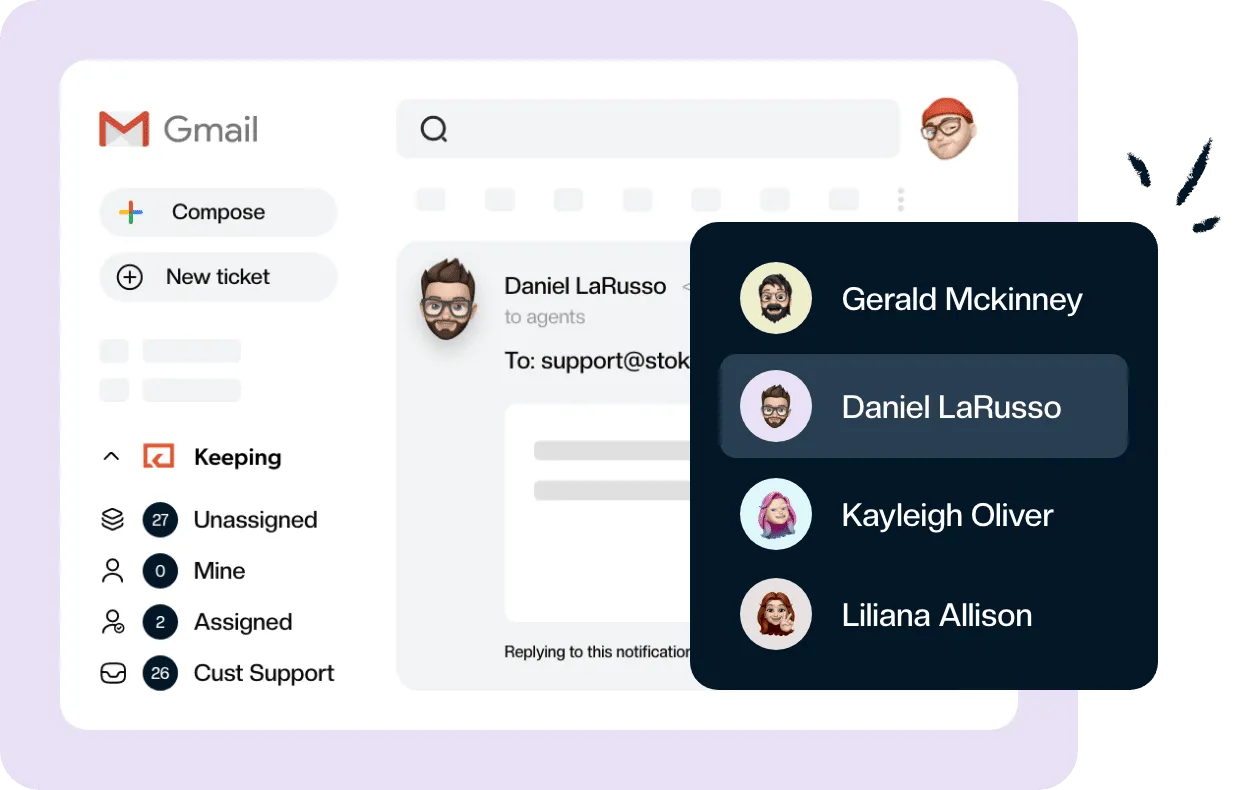
Keeping's HIPAA plan includes a signed BAA, so your front desk can assign, note and track patient emails without leaving Gmail.
| Account | BAA available? | Patient information allowed? | What you still configure |
|---|---|---|---|
| Free @gmail.com | No | No | Nothing makes it eligible |
| Google Workspace, BAA not accepted | Yes, not yet accepted | No | Accept the BAA first |
| Google Workspace, BAA accepted | Yes | Yes, in covered services | Logins, 2-Step Verification, sharing, add-ons, policy |
The BAA is a prerequisite, not the finish line. HIPAA also expects safeguards your team turns on and keeps on, which is why the last row still has a to-do list.
Is Google Workspace HIPAA compliant?
Google Workspace supports HIPAA compliance once your organization accepts Google’s BAA, and only for the services Google lists as covered. Before that, Google says you must not put patient information in it. After that, compliance is shared: Google protects the platform, and you control who gets in and what goes where.
Accepting the BAA is self-serve. A super admin opens the Admin console, goes to Account settings, then Legal and compliance, finds the Google Workspace/Cloud Identity HIPAA Business Associate Amendment under Security and Privacy Additional Terms, and clicks Review and Accept. Google then asks three questions confirming you’re a HIPAA covered entity. Google’s help page has the steps.
Google treats that electronic acceptance as binding as a paper contract, and a screenshot of the Legal and compliance screen is your proof that it’s in place.
Which Google Workspace plan is HIPAA compliant?
Google’s help names only two groups who can’t accept the BAA: non-administrator users, and organizations on the legacy free edition of Google Workspace (once called Google Apps Standard Edition). It doesn’t name a paid edition that’s excluded. The surest check is the Legal and compliance page in your own Admin console: if the HIPAA amendment is there to accept, your edition supports it.
You’ll see claims that only Business Plus or Enterprise qualify. Google’s own pages don’t say that. What does change with the edition is the set of controls you get once the BAA is signed:
| Control | Gmail editions that include it, per Google |
|---|---|
| Google Vault (retention, holds) | Business Plus, Enterprise Standard and Plus, Frontline Standard and Plus, Education editions |
| Hosted S/MIME encryption | Enterprise Plus, Frontline Plus, Education Fundamentals, Standard and Plus |
| Gmail client-side encryption | Enterprise Plus, Frontline Plus, Education Standard and Plus |
Business Starter and Business Standard get none of the three. That doesn’t stop you accepting the BAA, but it means retention and message encryption have to come from somewhere else. Google Vault is the piece most practices miss when they pick a lower edition.
What Google’s BAA covers, and what it doesn’t
Google’s BAA covers the services on its HIPAA Included Functionality list and nothing else. When we checked that list on November 9, 2026, it included Gmail, Google Calendar, Google Chat, Google Drive (with Docs, Sheets, Forms and Slides), Google Groups, Google Keep, Google Meet, Google Sites, Google Tasks, Google Vault, Gemini in Workspace and the Gemini app. The full list is on Google’s site.
Some guides still say Google Tasks isn’t covered. It is now. So are Gmail’s smart features, such as Help me write and contextual smart replies, which Google covers as part of Gemini in Workspace.
What sits outside the agreement:
- Third-party apps and add-ons. Google says plainly that they’re not included in the functionality its BAA covers.
- Additional Google Services, the consumer-style Google products an admin can switch on for users.
- Gemini in Chrome, which the list excludes by name.
How to send HIPAA compliant email from Gmail
Inside your own Workspace domain, Gmail encrypts messages in transit and at rest. To outside addresses, Gmail uses TLS only when the receiving server supports it, and sends anyway when it doesn’t. For partners who get patient information, an admin can require TLS with the Secure transport (TLS) compliance setting so those messages never go out unprotected.
Message-level encryption is an edition question. Hosted S/MIME and client-side encryption come with Enterprise Plus and Frontline Plus, not the Business editions.
Emailing patients is allowed with care. HHS says the Privacy Rule doesn’t prohibit unencrypted email between providers and patients, as long as you apply reasonable safeguards: check the address, limit what you include, and if a patient asks to be emailed, explain the risk and let them choose. The Security Rule still applies to how you send it.
Is Gmail confidential mode HIPAA compliant?
Confidential mode isn’t encryption, so it doesn’t make an email HIPAA compliant on its own. It sets an expiry date, lets you revoke access, blocks forwarding, copying and printing, and can require an SMS passcode. Google’s own help warns that recipients can still take screenshots or photos. For what Gmail does offer, see how to send encrypted email in Gmail.
Settings to check before patient email goes in
Accepting the BAA doesn’t switch anything on. Before the first patient message arrives, an admin should confirm:
- 2-Step Verification is enforced for everyone in the domain.
- Every person has their own account. No shared logins, even for a front-desk address.
- Third-party app access is restricted, so only apps you’ve approved can read Gmail data.
- Automatic forwarding to personal or unapproved outside accounts is off.
- Someone reviews the activity logs in the Admin console’s audit and investigation tools, so you can see who signed in and what changed.
- Vault retention rules are set, if your edition includes Vault.
- Someone has read Google’s HIPAA Implementation Guide, which explains how to configure each covered service.
Shared addresses: frontdesk@, billing@ and the tools on top of Gmail
Most practices don’t run patient email from one person’s inbox. It lands at frontdesk@ or billing@, and three or four people answer it. That’s where a lot of HIPAA trouble starts.
The common shortcut, one shared password for the shared address, breaks a basic rule. The Security Rule’s access controls call for unique user identification, so every person who opens a patient’s message has to be identifiable. A shared login makes that impossible. You can share an inbox without sharing a password in two native ways: Google Groups email, which is a covered service, or Gmail delegation, which keeps each person on their own login.
When those stop being enough, practices add a tool on top of Gmail for assignment, notes and status. Here the add-on rule bites. When the company behind an add-on creates, receives, stores or sends patient information on your behalf, it’s a business associate under HHS guidance, and Google’s BAA doesn’t cover it. A help desk whose servers read or store your patient email falls in that group, so its company needs to sign a BAA with you. Our comparison of HIPAA compliant help desk software shows which tools sign one, and on which plan.
Keeping includes an executed BAA in its HIPAA plan, $49 per user per month billed annually with a 2-user minimum. It’s not an enterprise upgrade, and your team keeps answering patient email inside the Gmail it already uses. How it fits with Google:
- Your Google BAA stays in place. Keeping requires it for every Workspace account you connect, and free @gmail.com accounts can’t be connected.
- Every agent signs in with Google, using their own account in your Workspace domain. No shared password.
- Each mailbox connects one of two approved ways: Sign in with Google, or forwarding through a HIPAA-compliant custom domain that Keeping sets up for you.
- Integrations are restricted on HIPAA Enabled accounts, and anything you connect sits outside Keeping’s BAA.
Keeping doesn’t encrypt your outgoing email; that stays with Gmail and the settings above. Start your free trial on the HIPAA plan with test data, then ask us for the BAA. Your account is set up as HIPAA Enabled before any patient email goes in. See how the HIPAA plan works, or compare every plan on Keeping pricing.
Frequently asked questions about Gmail and HIPAA
How do I know if my Gmail is HIPAA compliant?
Check three things. Your address is on a paid Google Workspace domain, not @gmail.com. A super admin has accepted the HIPAA Business Associate Amendment under Account settings, Legal and compliance in the Admin console. And your settings, such as 2-Step Verification and named logins, are actually switched on.
Is there a HIPAA compliant version of Gmail?
Not a separate product. The Gmail inside a paid Google Workspace account is the version you can use with patient information, once your admin accepts Google’s BAA and your team configures it properly. A personal @gmail.com account can’t be made HIPAA compliant, because Google won’t sign a BAA for it.
How much does it cost to make Gmail HIPAA compliant?
Google charges nothing extra to accept its BAA. The cost is the Workspace edition you need, which matters if you want Vault or built-in encryption, plus the HIPAA plan of any add-on whose company handles your patient email. Budget time too: someone has to set up and review the settings.
Is Gemini for Google Workspace HIPAA compliant?
Gemini in Workspace and the Gemini app are on Google’s HIPAA Included Functionality list, so they’re covered once you’ve accepted the BAA. Gemini in Chrome is excluded. Gmail’s smart features, such as Help me write and contextual smart replies, are covered as part of Gemini in Workspace.
Are third-party applications covered under the Google Workspace BAA?
No. Google states that third-party applications, including add-ons, are not part of the functionality its BAA covers. If an add-on’s company reads, stores or sends patient information on your behalf, it needs to sign its own BAA with you before you install it on a patient mailbox.
Can we email patients without encryption?
Sometimes. HHS says the Privacy Rule doesn’t prohibit unencrypted email between providers and patients, as long as you apply reasonable safeguards. If a patient asks to be emailed, you can warn them about the risk and let them decide, and you should limit what you include.